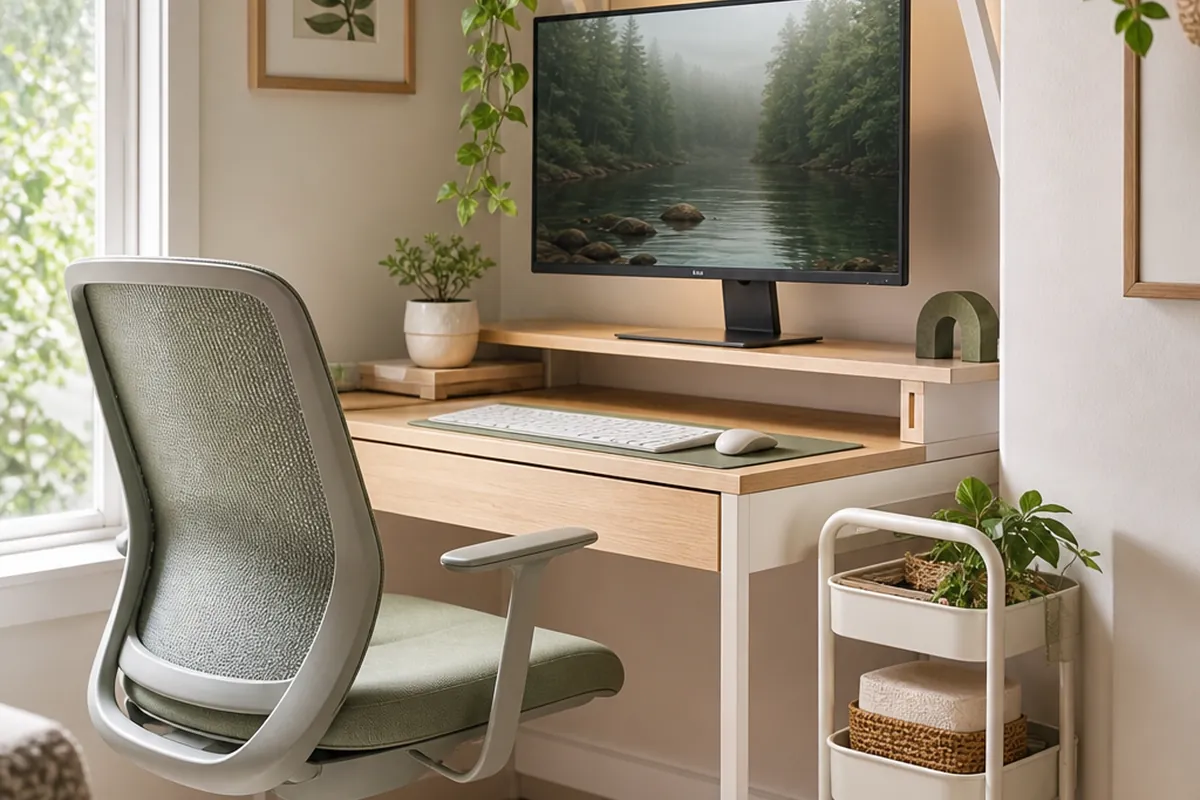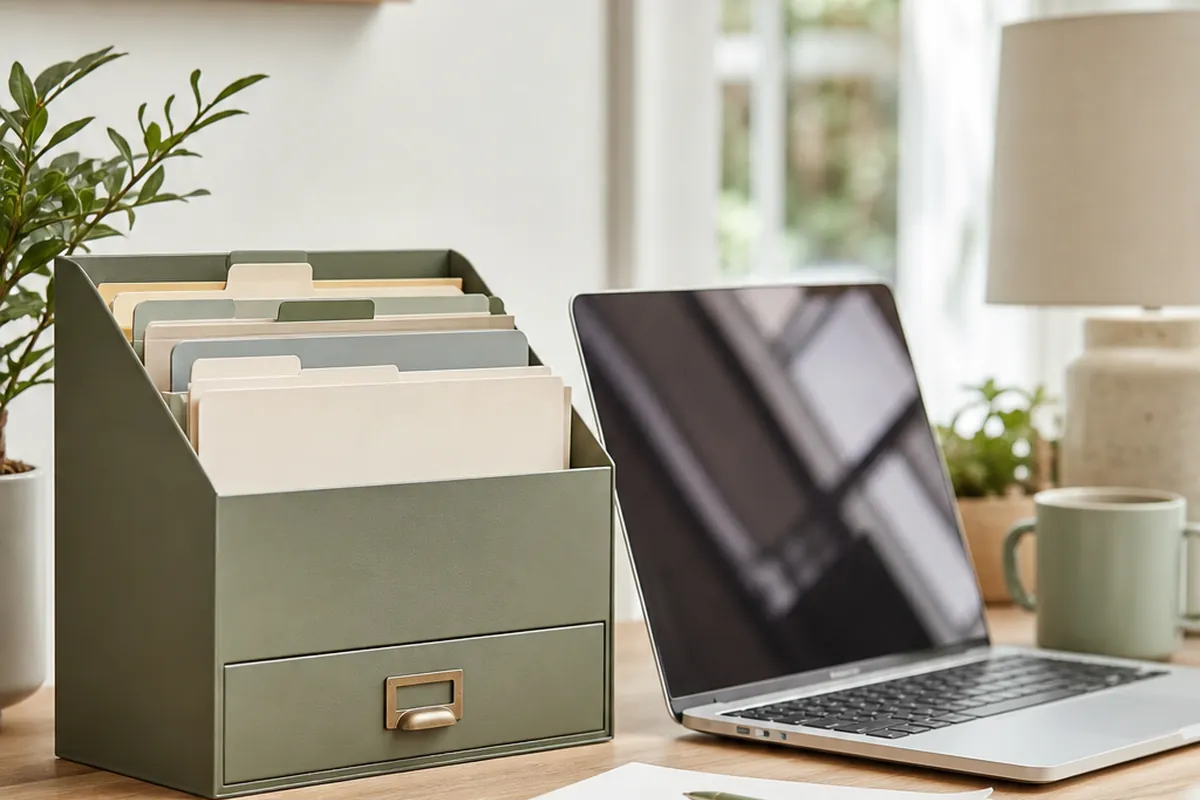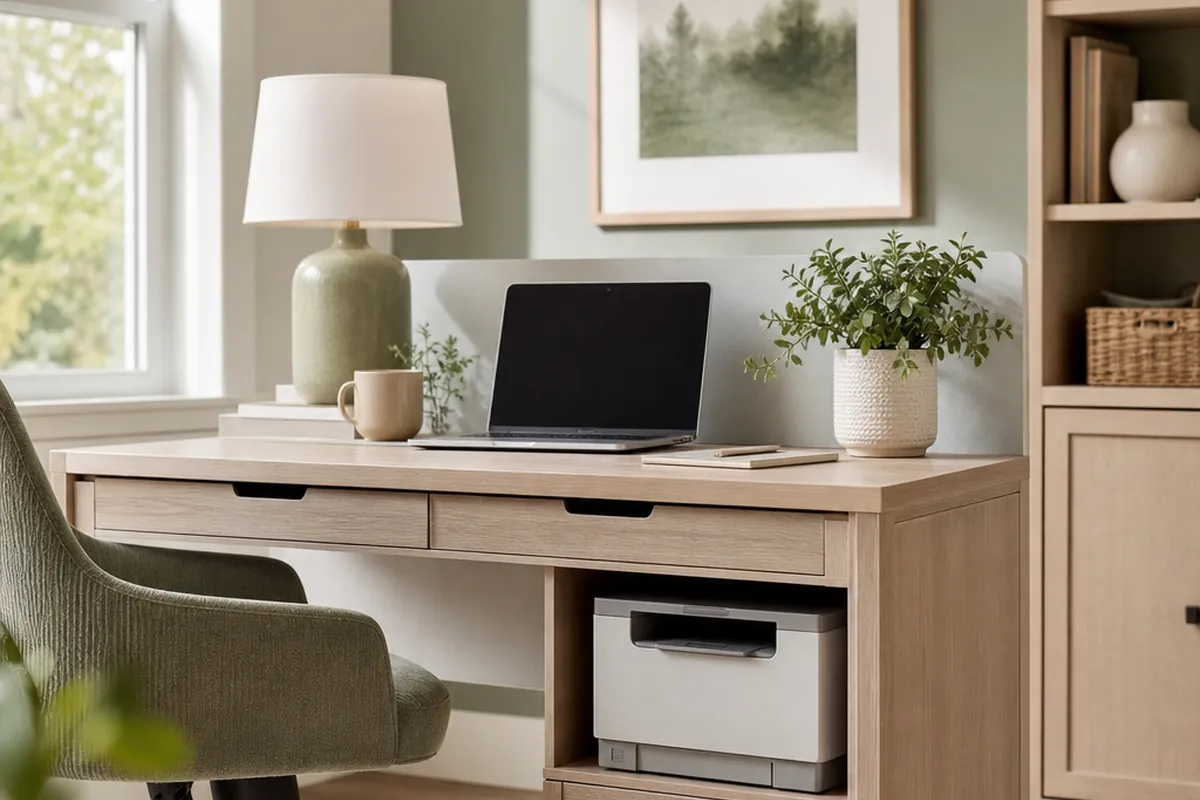
A printer is the one piece of office equipment that never shrinks to fit a small desk. It sits at roughly the same footprint it did fifteen years ago, it needs open space above it to work at all, and unlike a laptop it cannot be closed and slid into a bag at the end of the day. Most small desks solve this by giving the printer the back third of the surface permanently, which is exactly the third that was supposed to hold the lamp, the notebook and the mug.
The fix is not a smaller printer. It is treating the printer as a piece of furniture with its own requirements, rather than an object that lives wherever it was first set down. That means a real look at the clearance it needs, a home for it that is not the desk, and somewhere for the paper, ink and cables that collect around it. The order below starts with the measurement nobody takes before they buy anything.
1. Measure the clearance the printer needs, not just its footprint
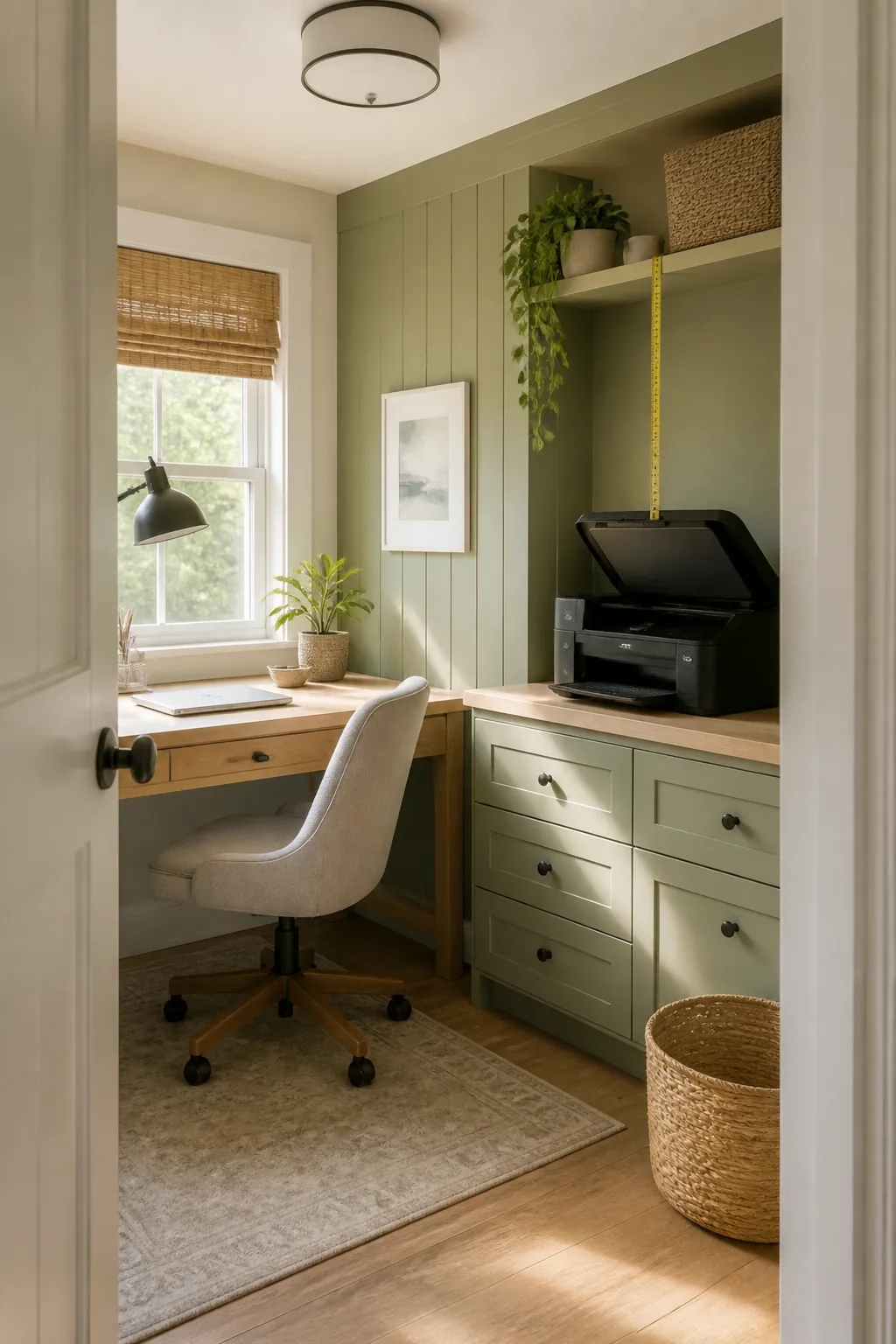
A printer’s box dimensions describe the machine closed and idle, which is the one state it is never actually in when you need it. A typical inkjet all-in-one is around 17 inches wide and 14 inches deep sitting still, but the flatbed scanner lid swings up and needs 10 to 12 inches of open air above the closed height to lift all the way. A laser printer skips the lid but its paper tray telescopes forward another 3 to 4 inches when it is loaded, and any printer that feeds from the rear rather than a front tray needs 6 to 8 inches of clearance behind it for the sheet to travel in straight.
Add those numbers up before you decide where the printer lives. A shelf that fits the printer’s closed footprint exactly but sits 8 inches under the shelf above it will jam the lid on the first print job, and a printer wedged against a wall with no rear clearance will feed paper crooked until it jams. Measure the open state, not the box.
2. Give the printer a rolling cart instead of desk space
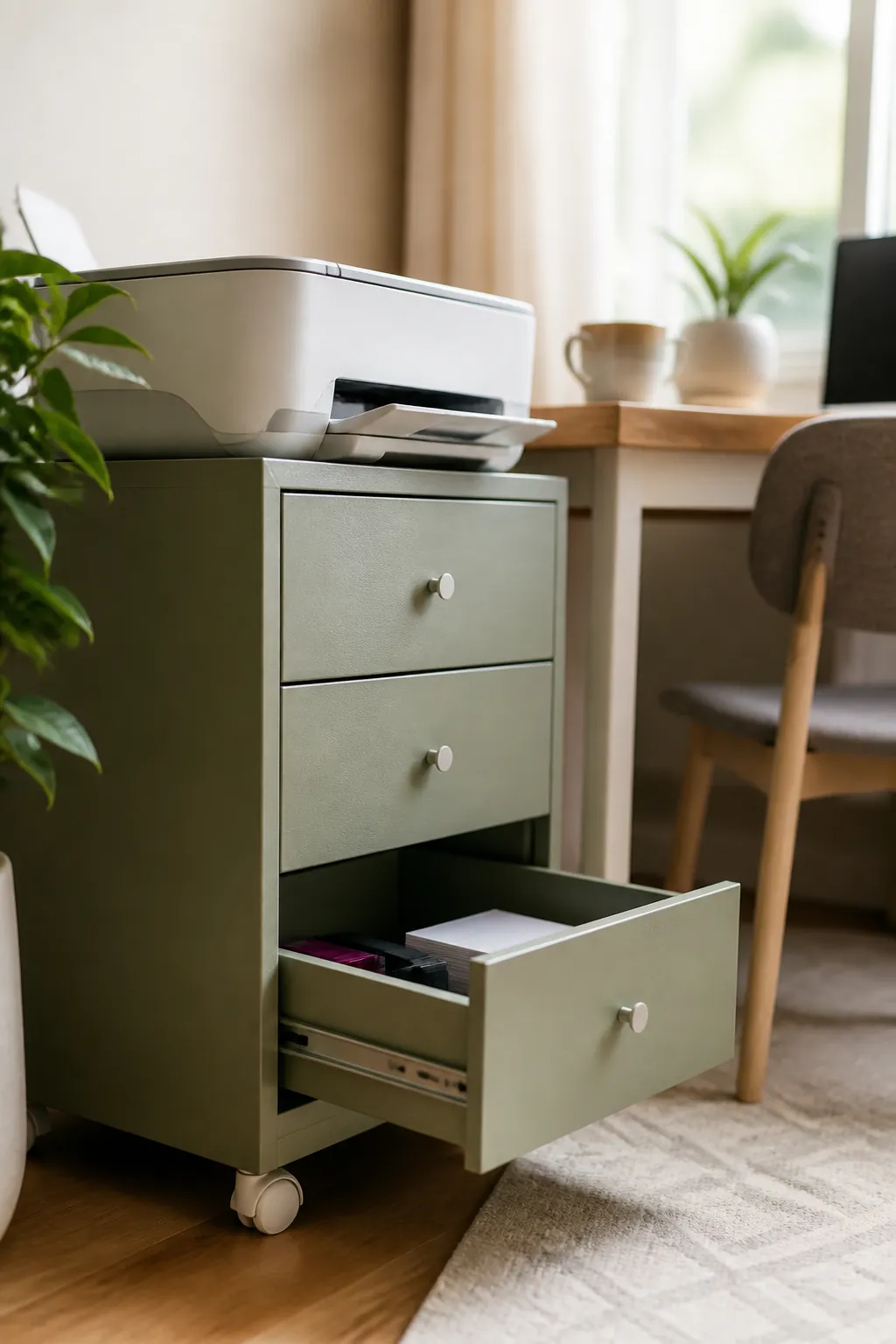
A rolling printer stand with a storage drawer takes the printer off the desk entirely and gives everything that used to live loose around it a place. The top is 17.2 by 13.2 inches and rated for 38.5 pounds, which covers most home printers, and at 14.1 inches tall it slides under a desk. Put the printer on top, ink and toner in the divided drawer, and spare paper and manuals or receipts on the bottom shelf. The whole unit rolls out from beside or under the desk when you need to print and rolls back when you don’t, which a fixed shelf cannot do.
The advantage over building the printer into the desk itself is that the cart is the printer’s problem to solve, not the desk’s. If the printer is ever replaced with a different size, only the cart needs to change, not the furniture the rest of the office is built around.
3. Raise the printer on a shelf and use the space it opens underneath
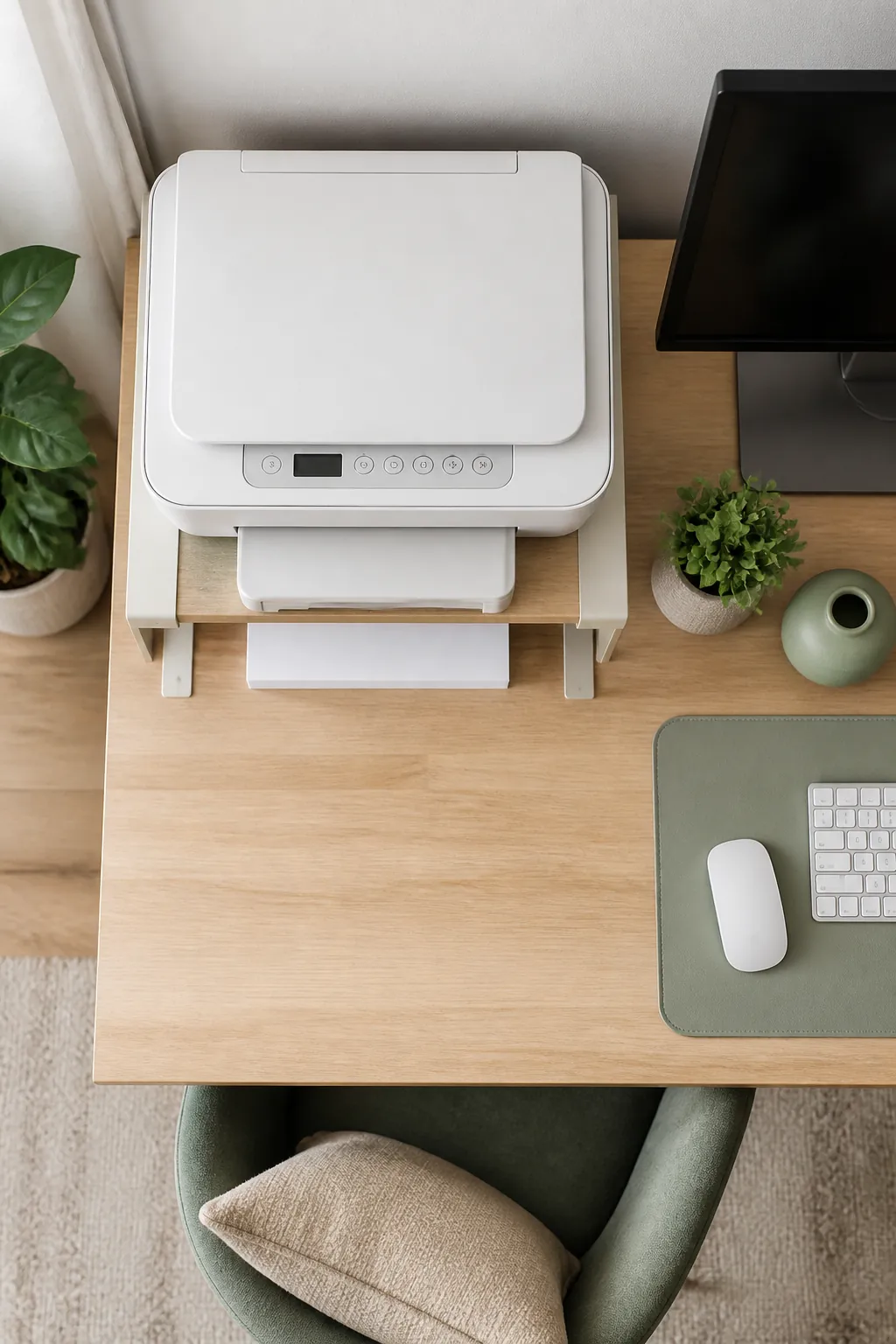
An adjustable desktop organizer shelf is usually sold as a monitor riser, but the same trick works for a printer standing beside rather than under a screen. Set the printer on the shelf and the roughly 6 to 8 inches of dead air underneath becomes a slot for a paper ream lying flat or a shallow tray for envelopes, which is space that would otherwise sit empty under a printer just parked on a surface.
This only works with a front-loading printer, since a rear feed model needs that same space behind it for the paper path rather than under it for storage. Check which kind you have before you buy a riser for this specific reason, because the two failure modes look identical in a product photo and are not identical on your desk.
4. Corral the power brick and cable in their own box
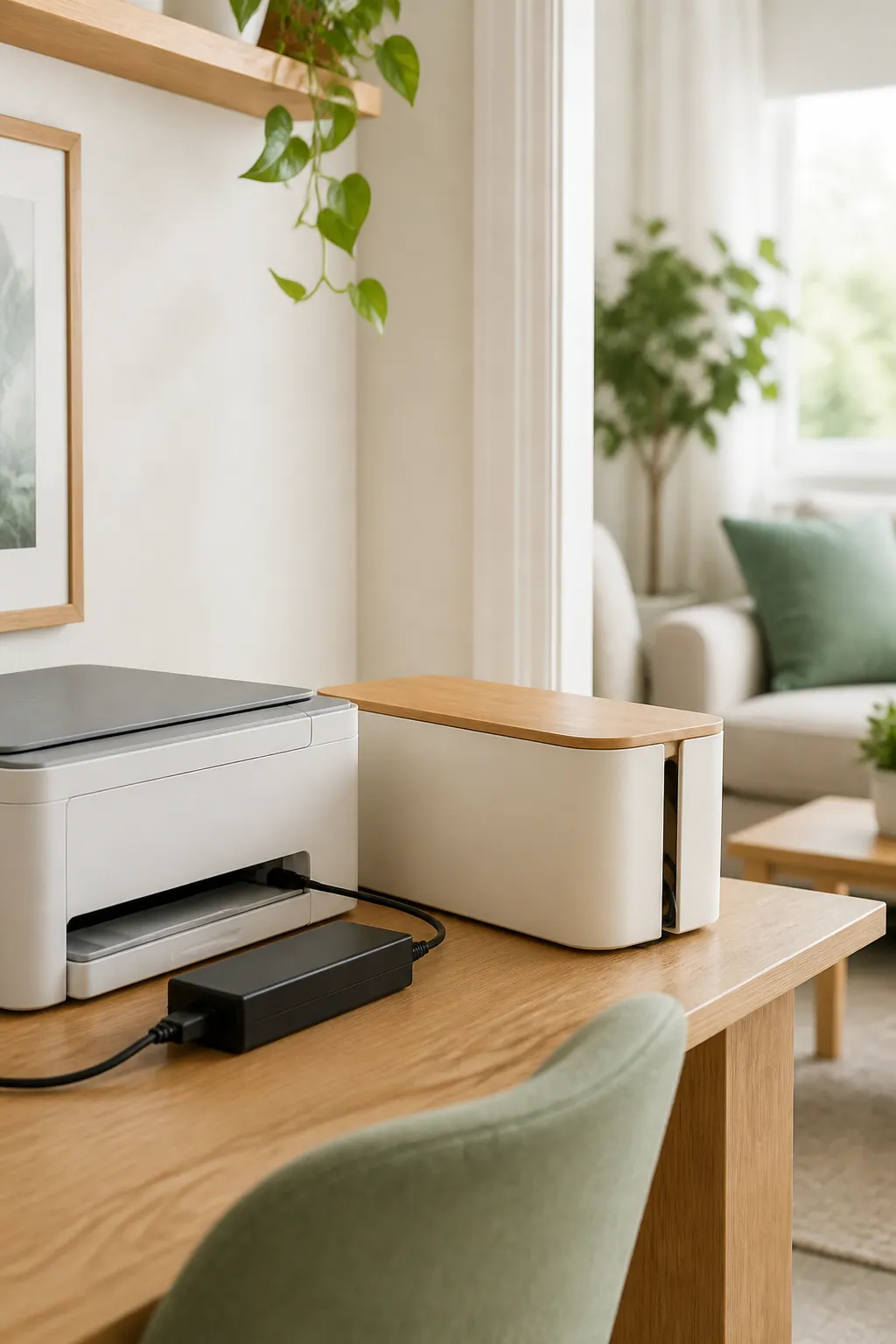
A cable management box near the printer’s own footprint, not the one already crowded under the desk with the monitor and computer cords, keeps the printer’s power brick and USB cable from becoming one more tangle to work around. A printer’s data cable is often on the short side, so the box needs to sit within about a foot of the printer or it simply will not reach once the lid is closed.
If the printer connects over Wi-Fi rather than USB, this section shrinks to just the power cord, which is still worth containing. A single loose cable behind a rolling cart catches a caster and drags the whole cart sideways the first time it moves, which is a smaller version of the same problem cord organization in a small living room solves for a television stand.
5. Store paper flat, not standing on end
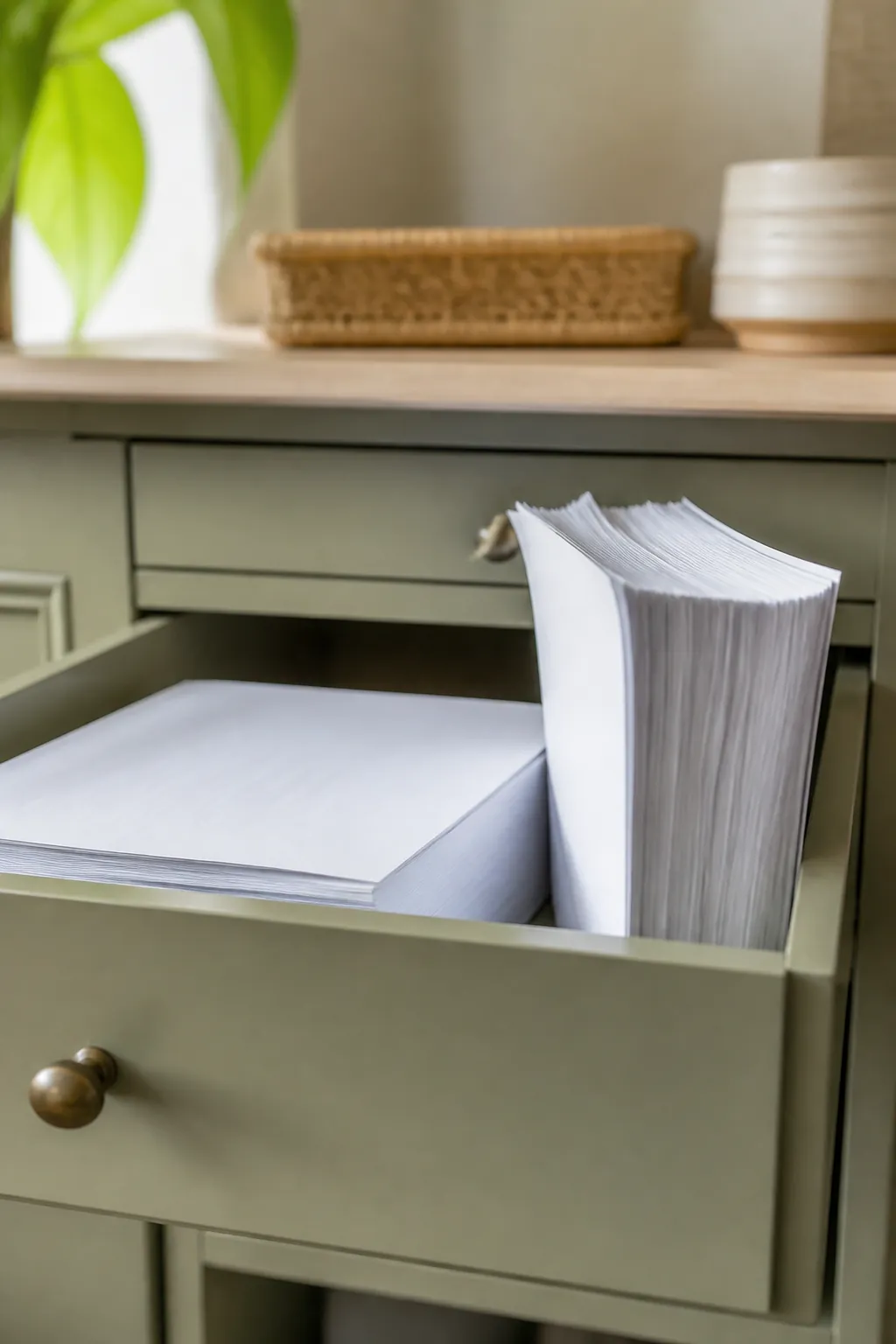
A ream of letter paper is 8.5 by 11 inches and about 2 inches thick, weighing close to 5 pounds. Stood on end on a shelf, that weight bows the middle of the ream within a few weeks and the curled sheets are what actually cause paper jams, not dust or humidity, which get blamed far more often. A drawer or a low box with a footprint close to the ream’s own dimensions keeps it flat and keeps the top sheet feeding straight.
Open a fresh ream only when the printer’s tray is empty, and keep the rest sealed. An open ream left out picks up enough humidity in a few weeks to jam a printer that was working fine the week before, especially in a bathroom-adjacent apartment or anywhere without good climate control.
6. Keep spare ink or toner within arm’s reach of the printer
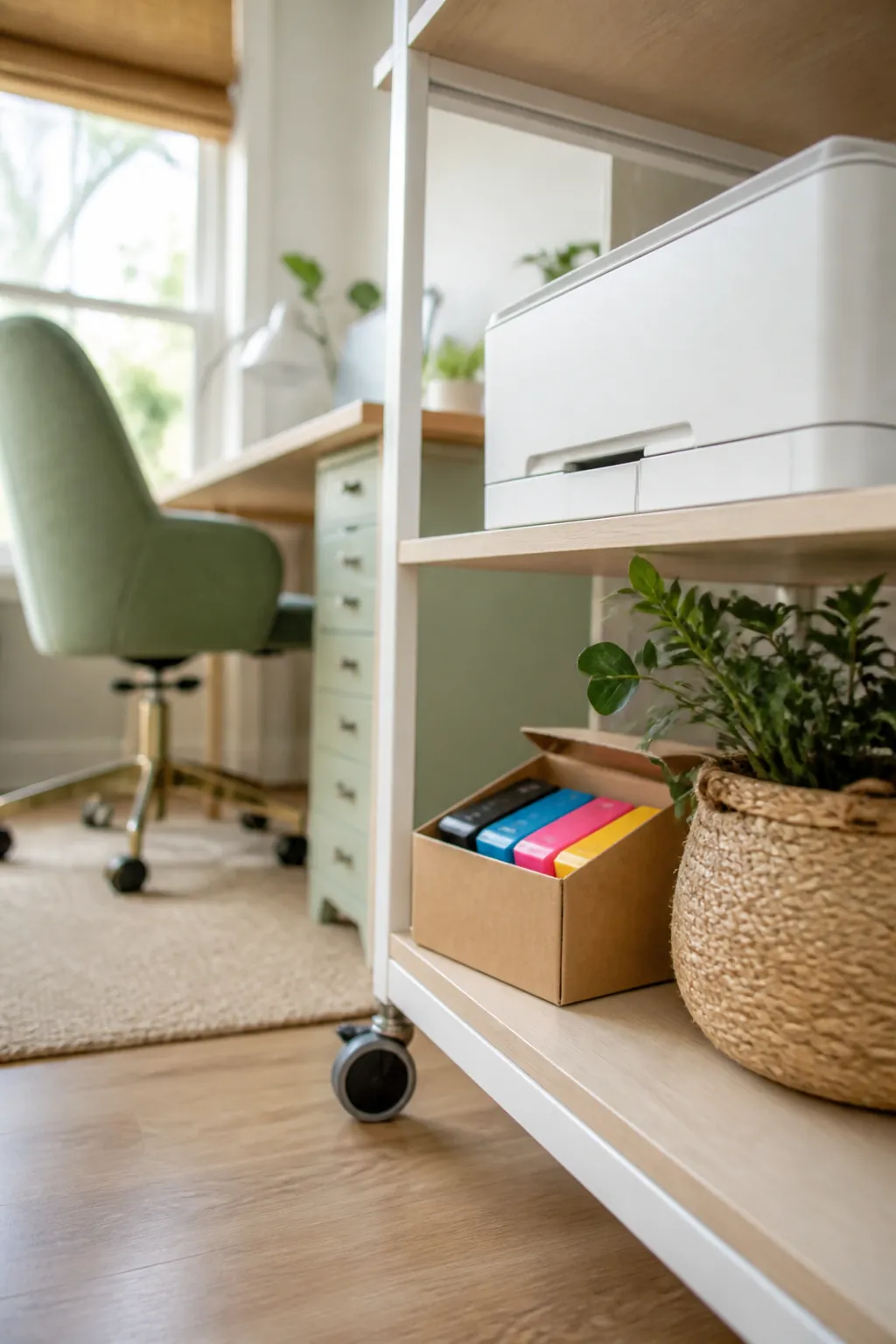
Ink cartridges and toner have a shelf life measured in months once opened, and stock that lives in a closet across the apartment gets forgotten until the printer is flashing empty during something urgent. The middle drawer of the cart from section 2, or a small labeled box on the shelf beside the printer, is close enough that restocking takes ten seconds instead of a trip.
Buy one spare set, not three. Ink is one of the few supplies that genuinely goes bad sitting unused, and a drawer holding a year’s worth of spare cartridges is storing a future dead cartridge, not a convenience.
7. Route the cord before you mount anything to the wall
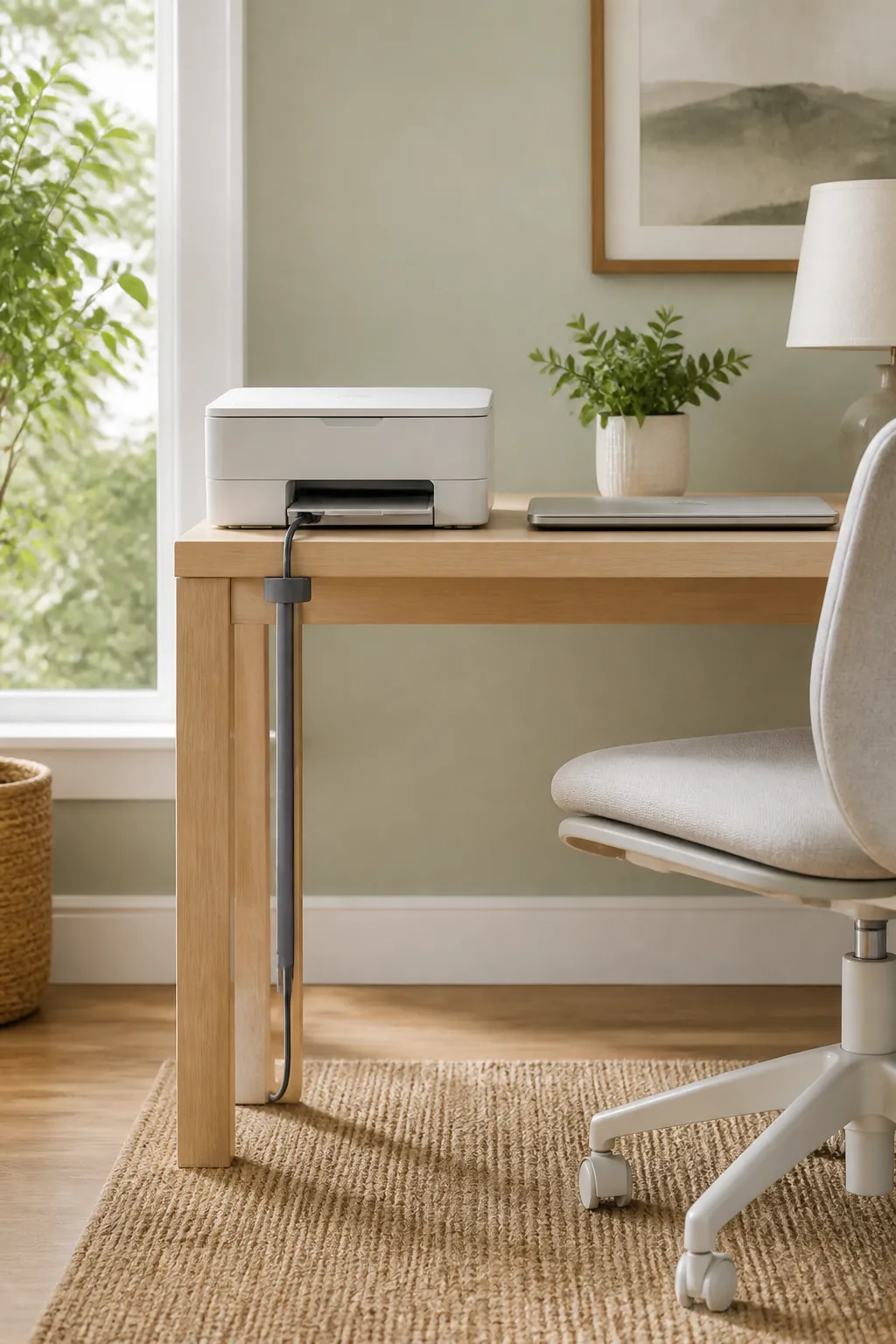
If the printer’s shelf or cart sits against a wall, decide where the power cord travels before you stick anything to the surface. Adhesive cable clips hold well on smooth painted drywall and fail within weeks on textured walls or older paint, peeling off along with a flake of paint when they let go, so test one clip in an inconspicuous spot before committing a whole run of cord to them.
For a renter, a clamp-on cable channel that grips the desk or cart itself rather than the wall is the safer bet, since it leaves nothing behind at move-out. This is the same no-drill logic that runs through office desk organization for a small space, just applied to one more cord.
8. Give the printer a closed state when it is not in use
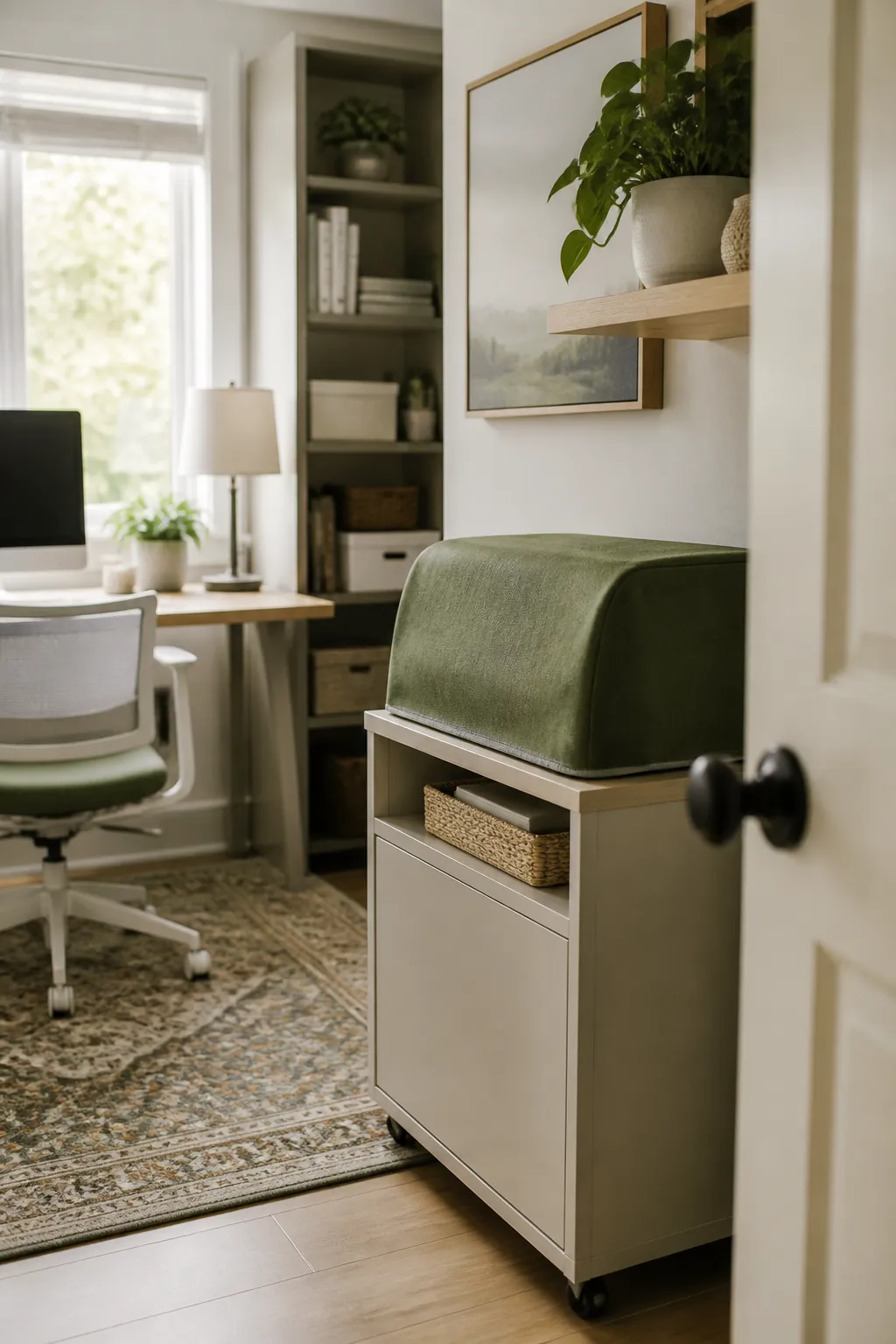
A printer sitting in the open reads as clutter even when it is perfectly organized, because it is a beige or black box with a visible cord regardless of how tidy the drawers around it are. A cart with a cabinet door, or even a simple fabric cover draped over it after the last print of the day, changes how the whole corner reads without moving anything.
The catch is the lid clearance from section 1. A door or a cover only works if it does not need to come off for the printer to open and print, which for a front-loading laser printer is nearly always true and for a lid-opening inkjet often is not. Confirm which you have before you build a door around it.
9. Make the weekly reset a two-minute job
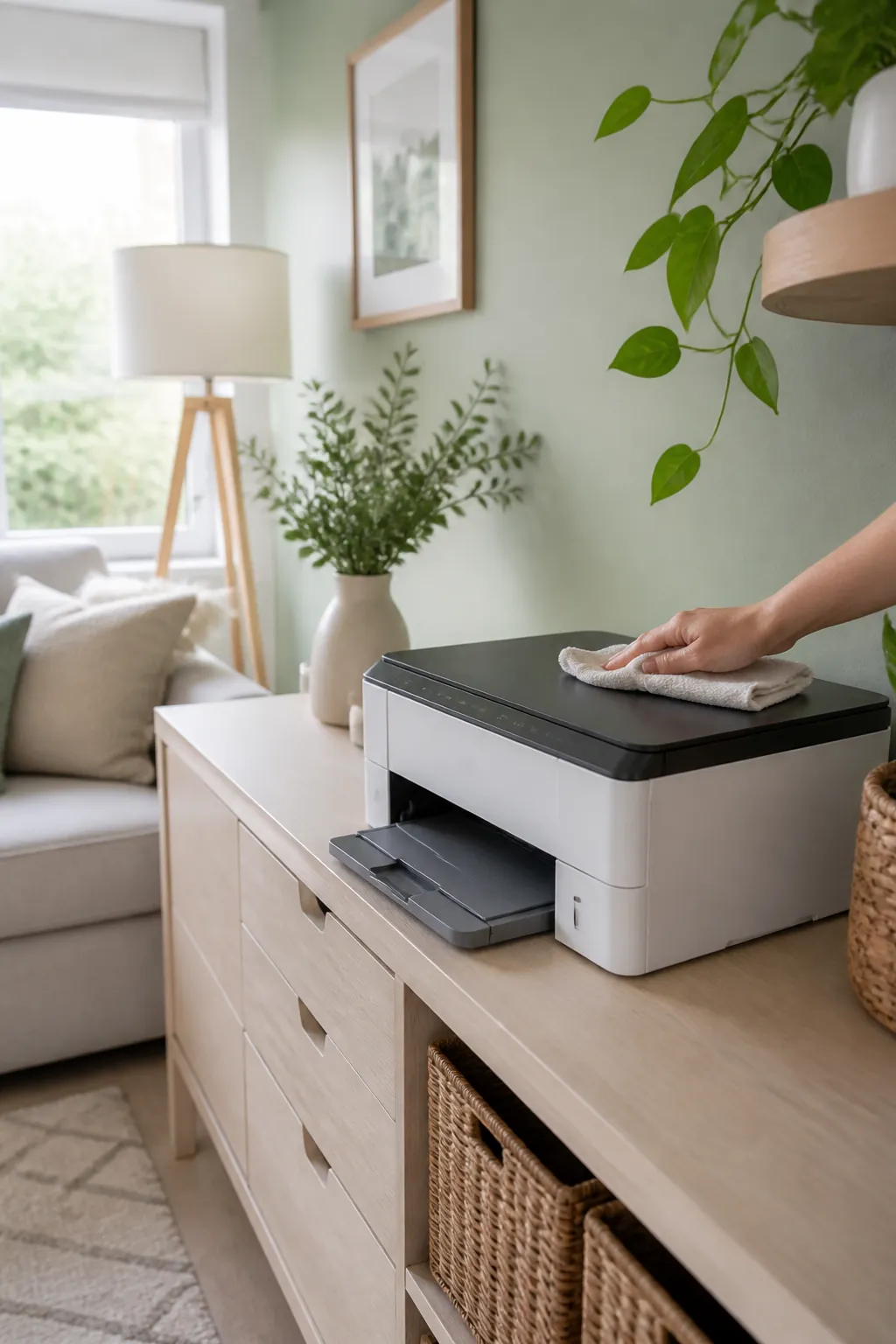
The printer corner only stays organized if something clears it on a schedule. Once a week, straighten the paper tray, wipe off any dust that has settled on top, and put back any stray receipt or manual that has drifted onto the cart. Two minutes is enough because the system in the sections above already gives everything a drawer, and the reset is just confirming things went back where they belong rather than sorting from scratch.
Skip it for a month and the printer area quietly becomes the desk’s overflow shelf again, holding the mail and the phone charger the same way the desk itself did before section 2. The reset is what keeps the cart doing the job it was bought for.
Where to start
Start with the clearance measurement in section 1, since every other idea here depends on knowing whether your printer’s lid opens up or its paper feeds in from behind. Move it off the desk onto a cart or a riser, give the cord and the spare ink their own small containers, and store paper flat instead of on end. None of these individually look like much. Together they take a machine that has resisted every attempt at desk organization for a decade and finally give it a place that is not the surface you actually need.