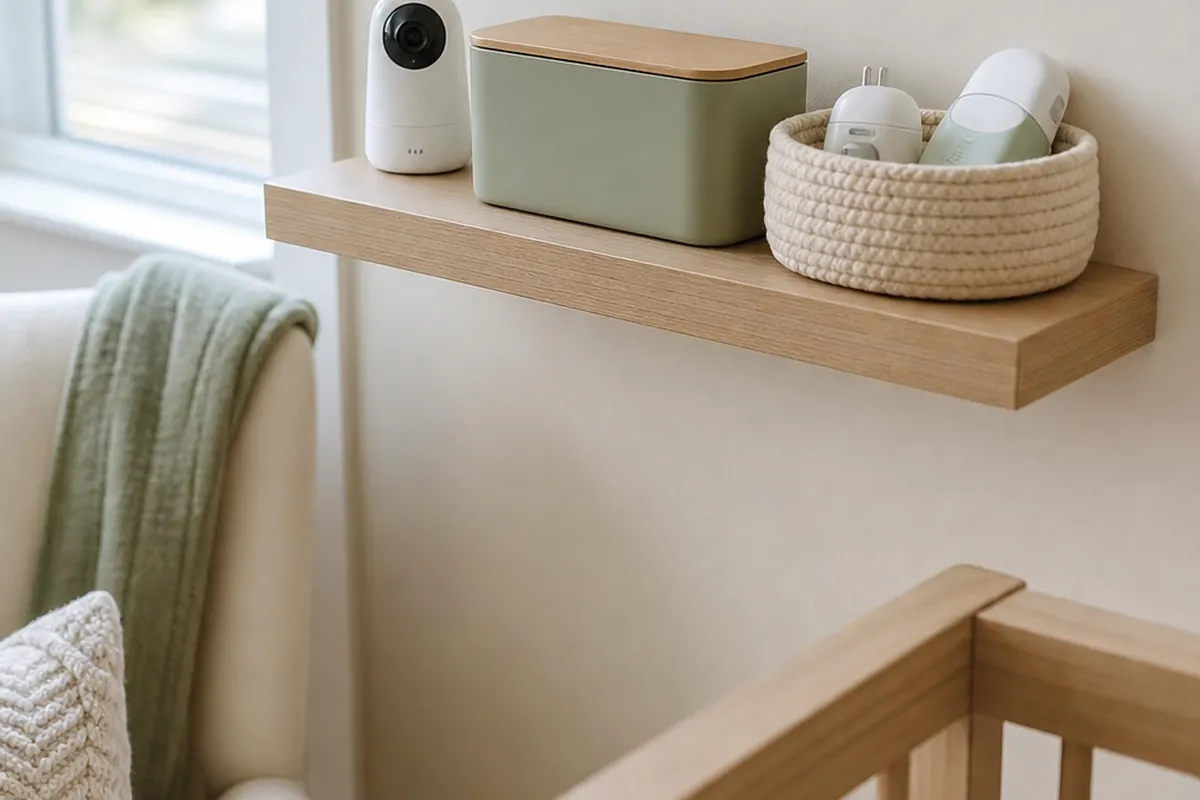
A nursery shelf holding the baby monitor has a way of collecting everything else within arm’s reach: the sound machine, a humidifier, a thermometer, the spare charger nobody ever puts away. Each gadget on its own is small, but stacked together on one 24-inch shelf they fight for the same few inches of surface, and the cords tangle into a nest that’s both ugly and, close enough to a crib, a real hazard. The fix isn’t a bigger shelf. It’s giving each device a specific job on that shelf, routing the cords so none of them dangle, and keeping the whole setup far enough from the crib that it never becomes something small hands can pull down.
1. Measure the distance to the crib before you measure the shelf
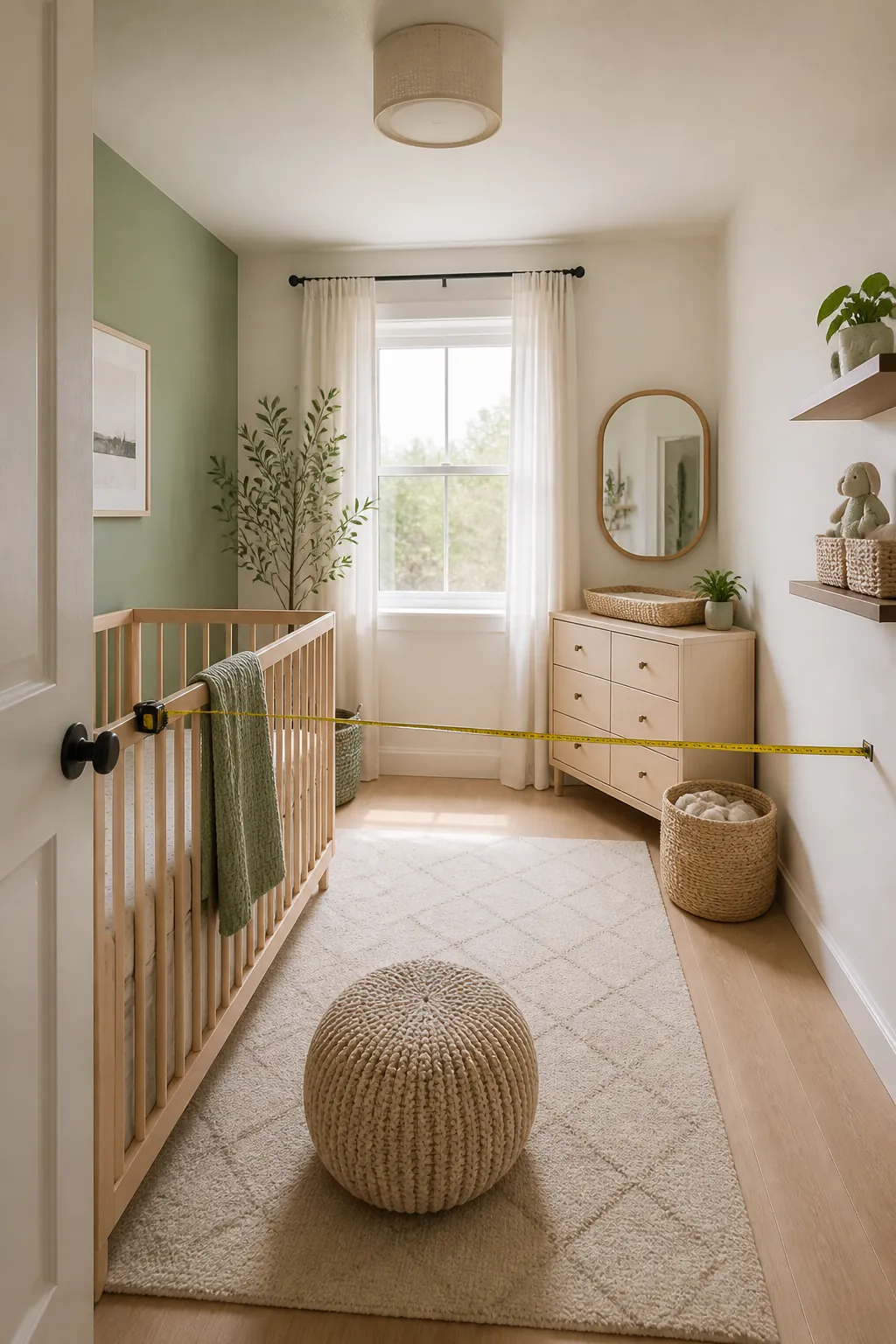
Most video monitor boxes print the same warning: keep the camera and its cord at least 3 feet from the crib rail. That number, not the available wall space, should decide where the shelf goes. A shelf mounted on the headboard wall, directly behind where a baby’s head ends up, almost always fails that test even if it looks like the obvious spot from across the room.
Measure from the inside edge of the crib rail outward, not from the crib’s outer frame, since a bumper or crib-side organizer can eat a few inches of that margin without you noticing. If the only wall with 3 feet of clearance is on the opposite side of the room from where you’d naturally glance at a monitor, that’s still the correct wall. A camera with the right angle beats a camera that’s merely convenient.
2. Mount the shelf at adult reach, not overhead
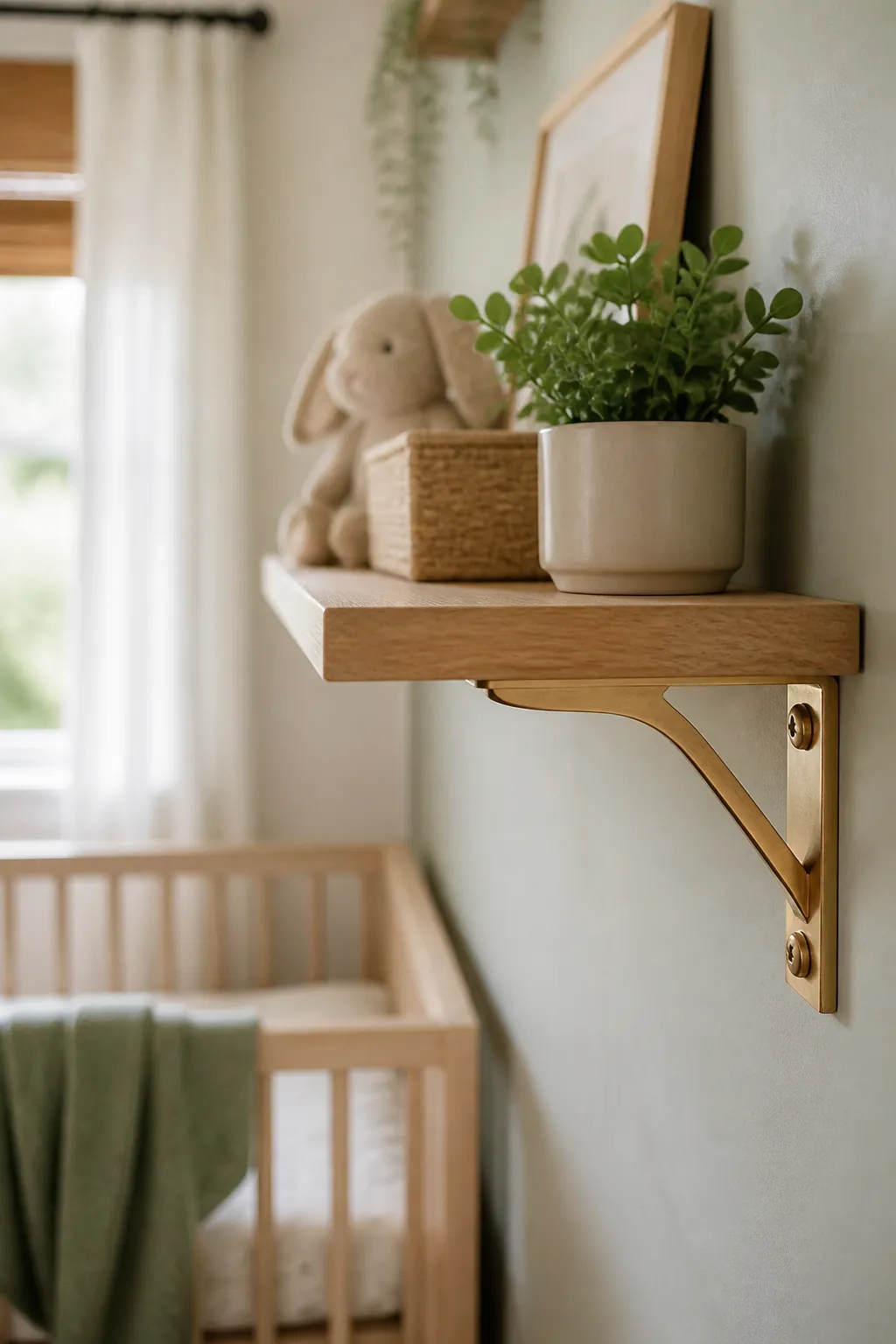
Somewhere around 50 to 55 inches off the floor hits the sweet spot: low enough that a tired adult can adjust a sound machine dial without hunting for a step stool, high enough that a standing two-year-old can’t reach the front edge once the crib gets converted to a toddler bed. Go lower than that and you’re reaching down awkwardly with a baby on one hip; go higher and the camera’s downward angle into the crib gets shallow enough to lose the view it needs.
Never mount the shelf directly above the crib, even at the right height. Anything that comes loose, a device, a bracket, a dropped charger, falls straight onto the mattress below it. Pick the adjacent wall instead, where a fall lands on the floor.
3. Give the shelf a lip so a bump doesn’t send anything to the floor
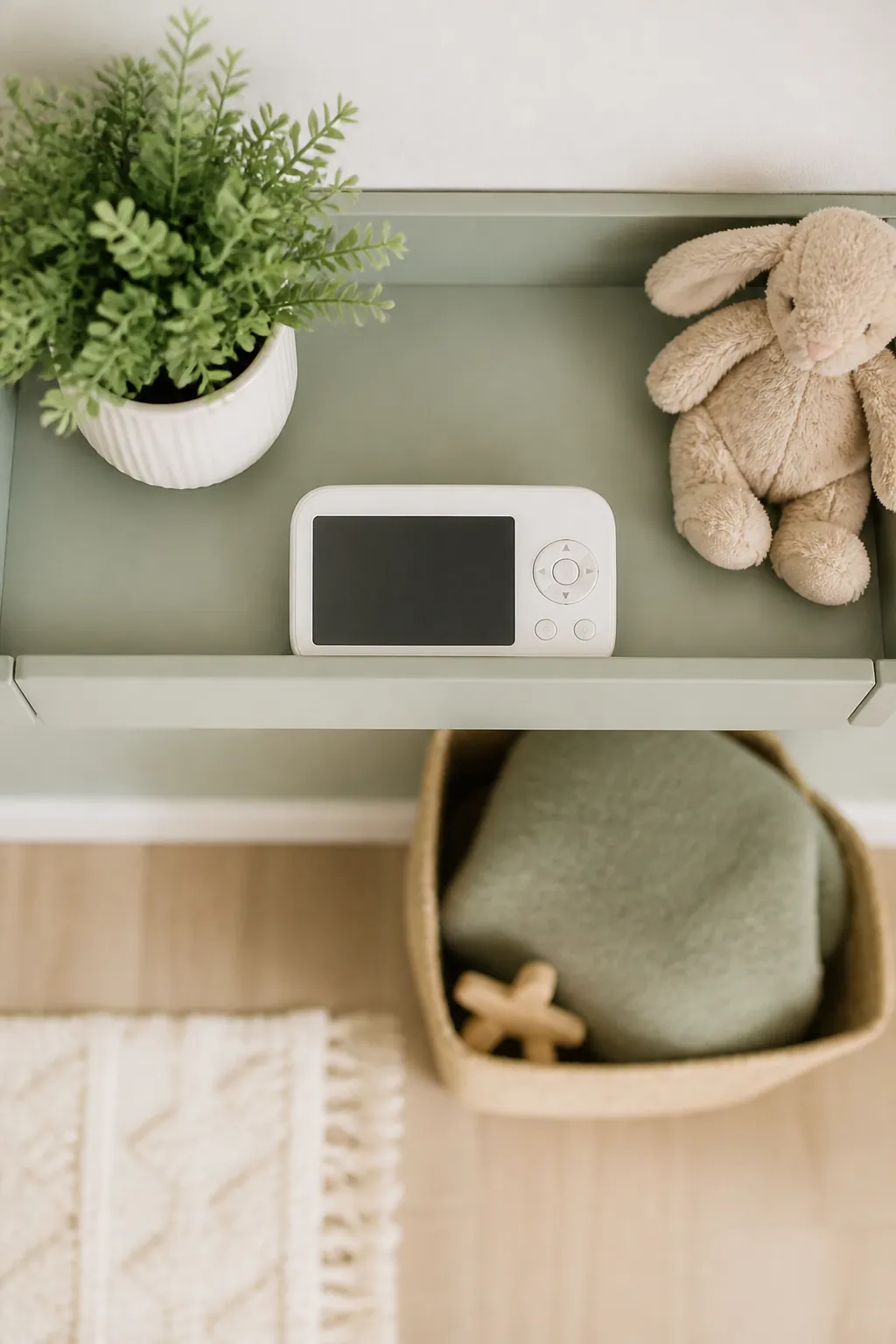
A monitor base is light, maybe half a pound, and sits on four small rubber feet that offer almost no grip on a painted or laminate shelf. A cord tugged while unplugging a phone charger nearby, or just the vibration of a door closing down the hall, is enough to walk it an inch closer to the edge every week until it finally goes over.
A floating wall shelf with a lip solves this with a raised front edge, usually an inch to an inch and a half tall, that catches anything sliding forward before it reaches open air. It mounts the same way a flat shelf does, so it’s no harder to install in a rental, and the lip doubles as a stopper for the sound machine and humidifier too, not just the monitor.
4. Clip the cords flat against the wall, not looped and dangling
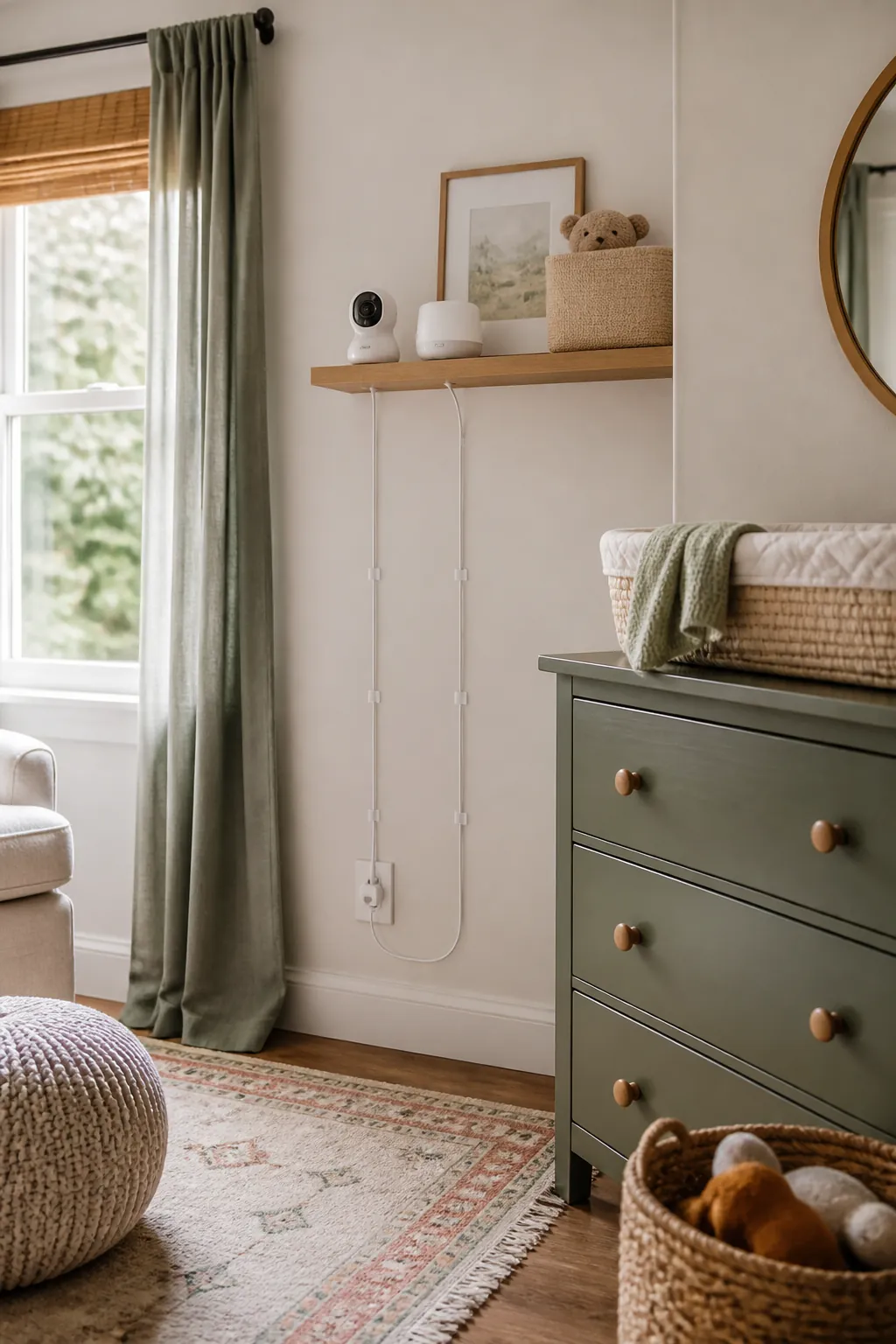
Every gadget on the shelf needs power, and that’s three or four cords running down the wall to one outlet unless something routes them. A loop of slack cord hanging below the shelf is exactly the kind of thing that gets grabbed once a baby is pulling up to stand nearby, even if the shelf itself is out of reach.
Adhesive cable clips spaced every 6 to 8 inches pin each cord flat against the wall on its way down, with no adhesive touching the wallpaper or paint beyond the small clip footprint itself. Run the cords straight down in parallel rather than crossing them, since a tangle at the outlet is harder to trace back when one device needs unplugging for a reset.
5. Box the power bricks instead of letting them pile up at the outlet
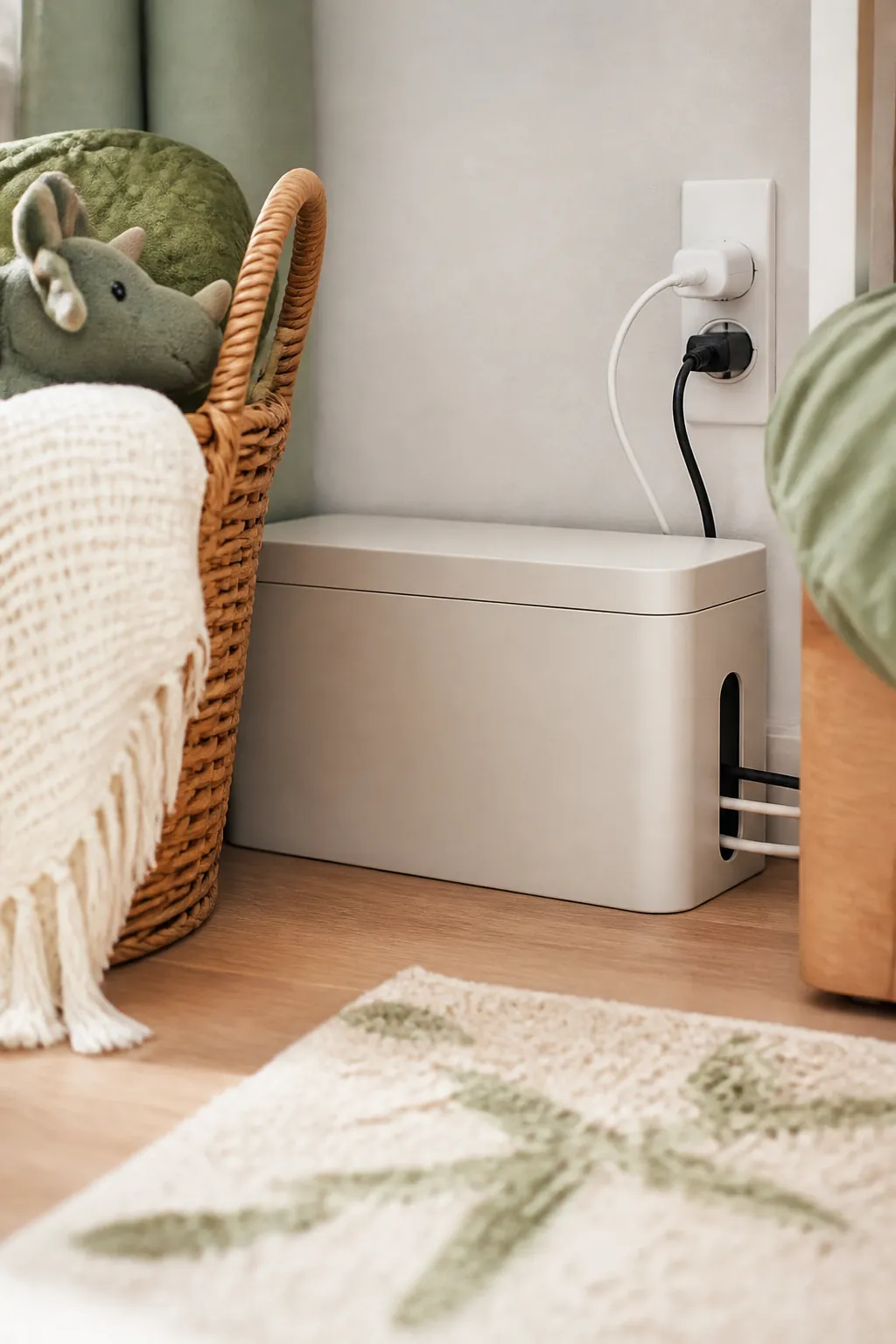
Monitor power bricks are bulkier than the cord itself, and two or three of them stacked at a single outlet plate turn into a dusty tangle that’s awkward to vacuum around and ugly to look at from the doorway. Clips handle the cord’s run down the wall, but they don’t do anything for the bricks themselves once they reach the bottom.
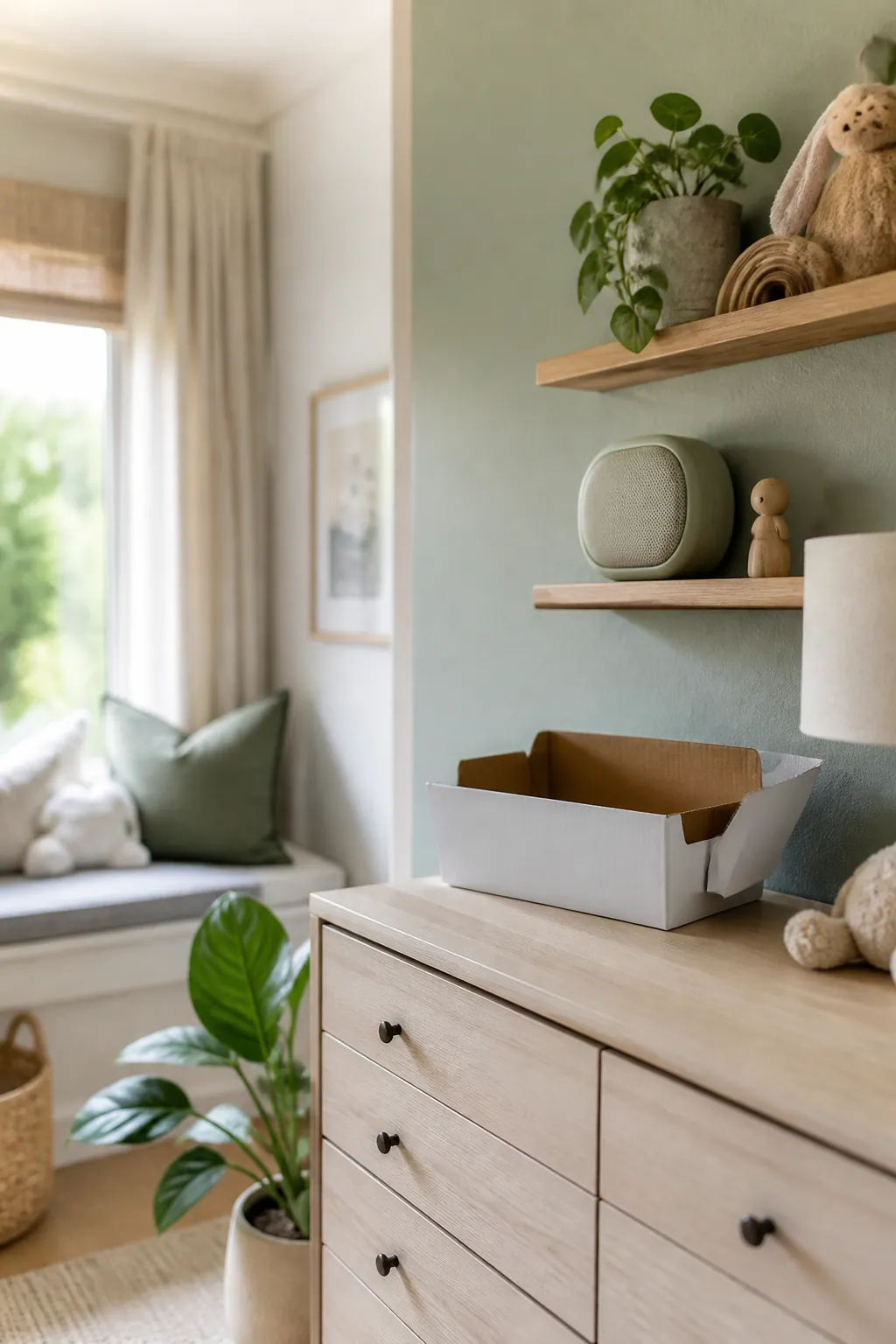
A cable management box sitting on the floor or a low shelf near the outlet holds two or three bricks out of sight, with side slots that let the cords pass in and out without unplugging anything to lift the lid. It’s a five-minute fix that turns the one spot in the room everyone’s eye lands on into something that looks intentional instead of accidental.
6. Give the sound machine and humidifier their own footprint
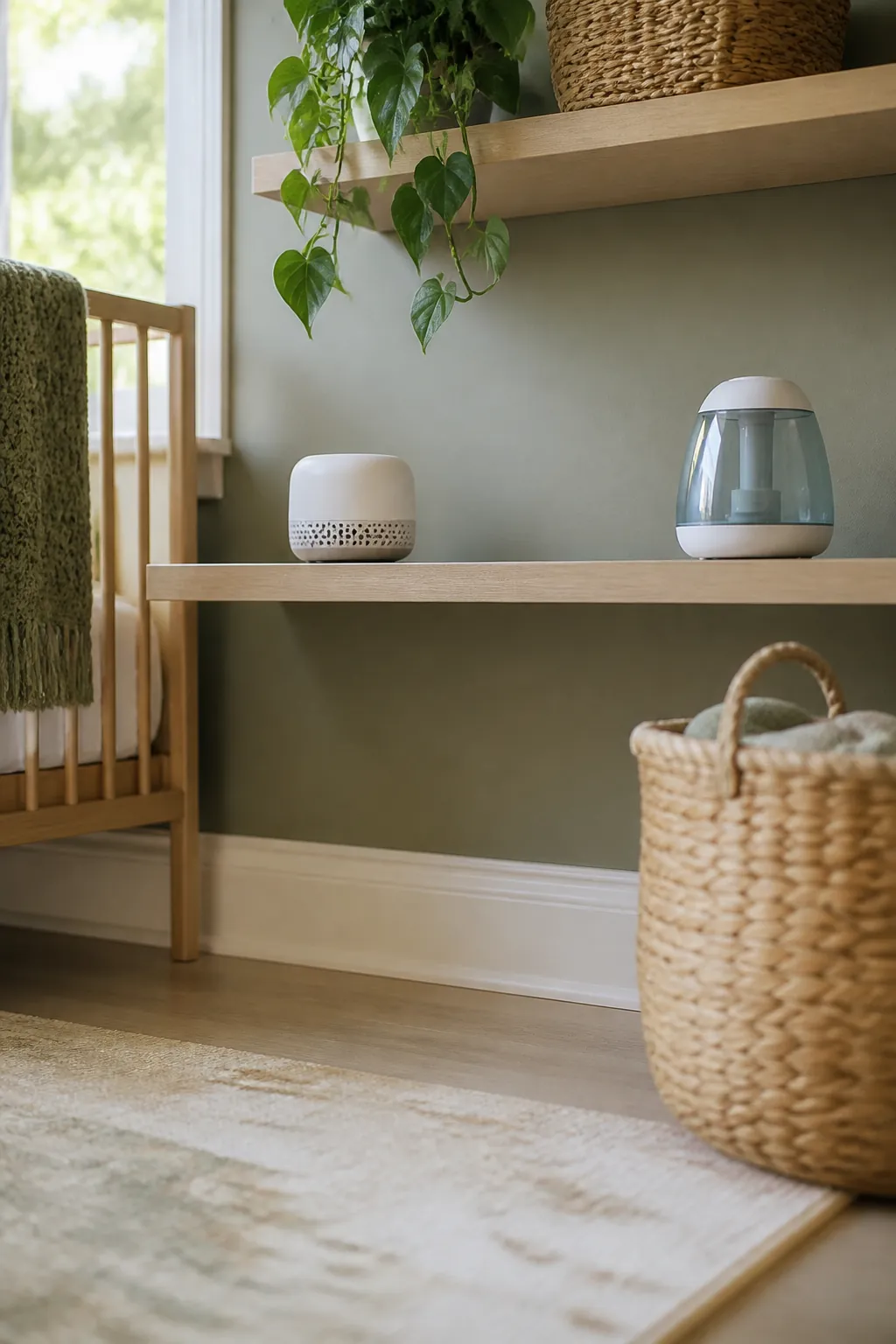
A sound machine needs room for its dial to turn and its speaker grille to breathe; a humidifier needs its lid lifted straight up for refills, usually a weekly chore that gets skipped the moment it’s wedged somewhere awkward. Stack either one under or behind the monitor and you end up either not using it or knocking the monitor out of position every time you reach past it.
Give each device its own few inches of shelf rather than nesting them. If the shelf genuinely isn’t wide enough for three gadgets side by side, the humidifier is the one to move to a nearby dresser top or the floor, since it’s the one piece that needs the most hands-on access and the least need to sit at monitor height.
7. Corral the loose small stuff in a basket, not loose on the shelf
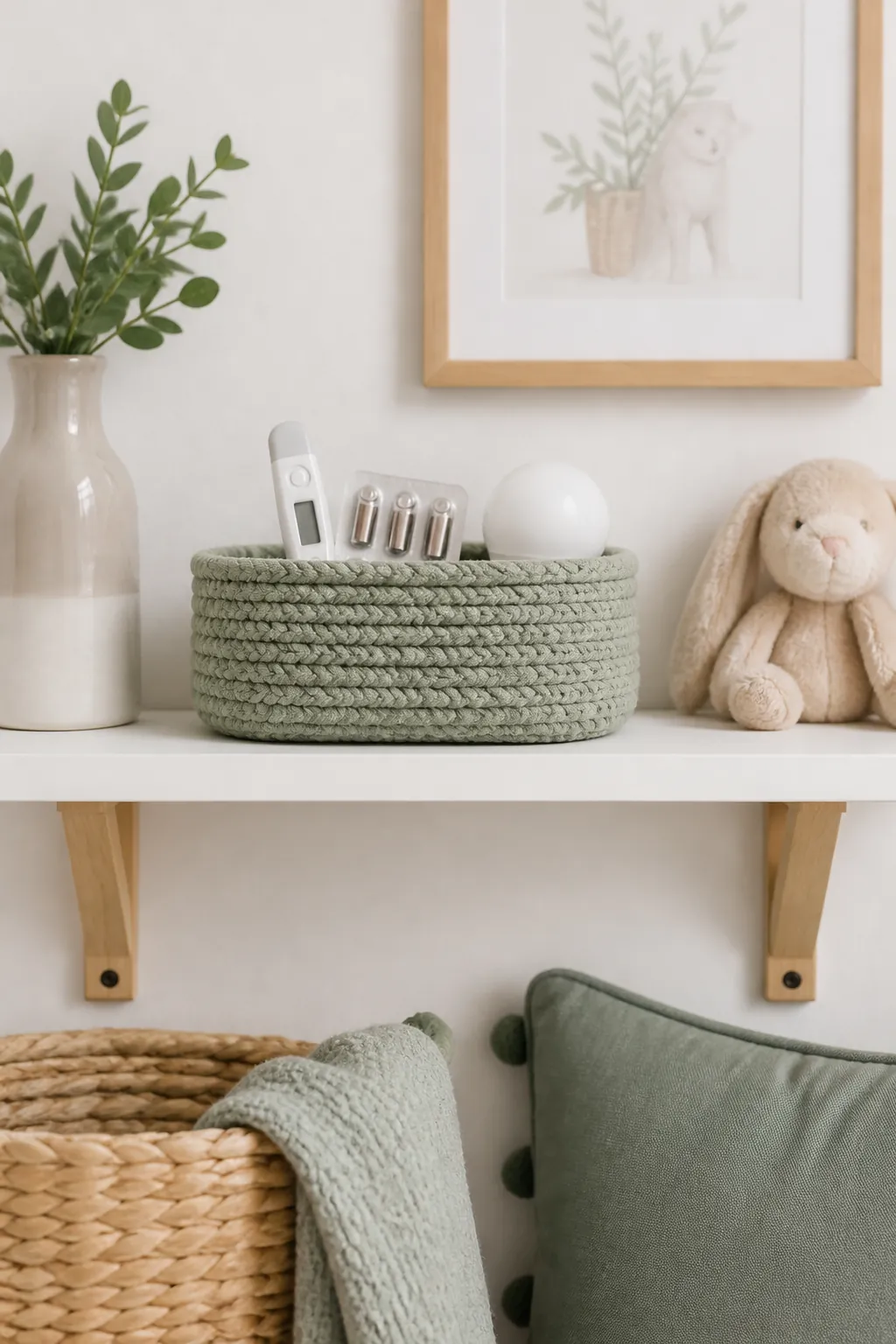
A baby thermometer, a pack of spare batteries, the nightlight that isn’t currently plugged in, a teether that migrated from the crib: none of it is big enough to deserve its own shelf space, and loose it just rolls around and eventually falls behind the shelf’s lip edge where you can’t easily reach it.
A small basket, even one sized for a bathroom vanity, gives that category a single boundary. Keep it to one basket rather than two, since the whole point is a quick glance to confirm the thermometer’s in there, not a search through multiple containers at 2am with a fussing baby on your shoulder.
8. Keep the shelf’s job narrow, and say no to the rest of the room
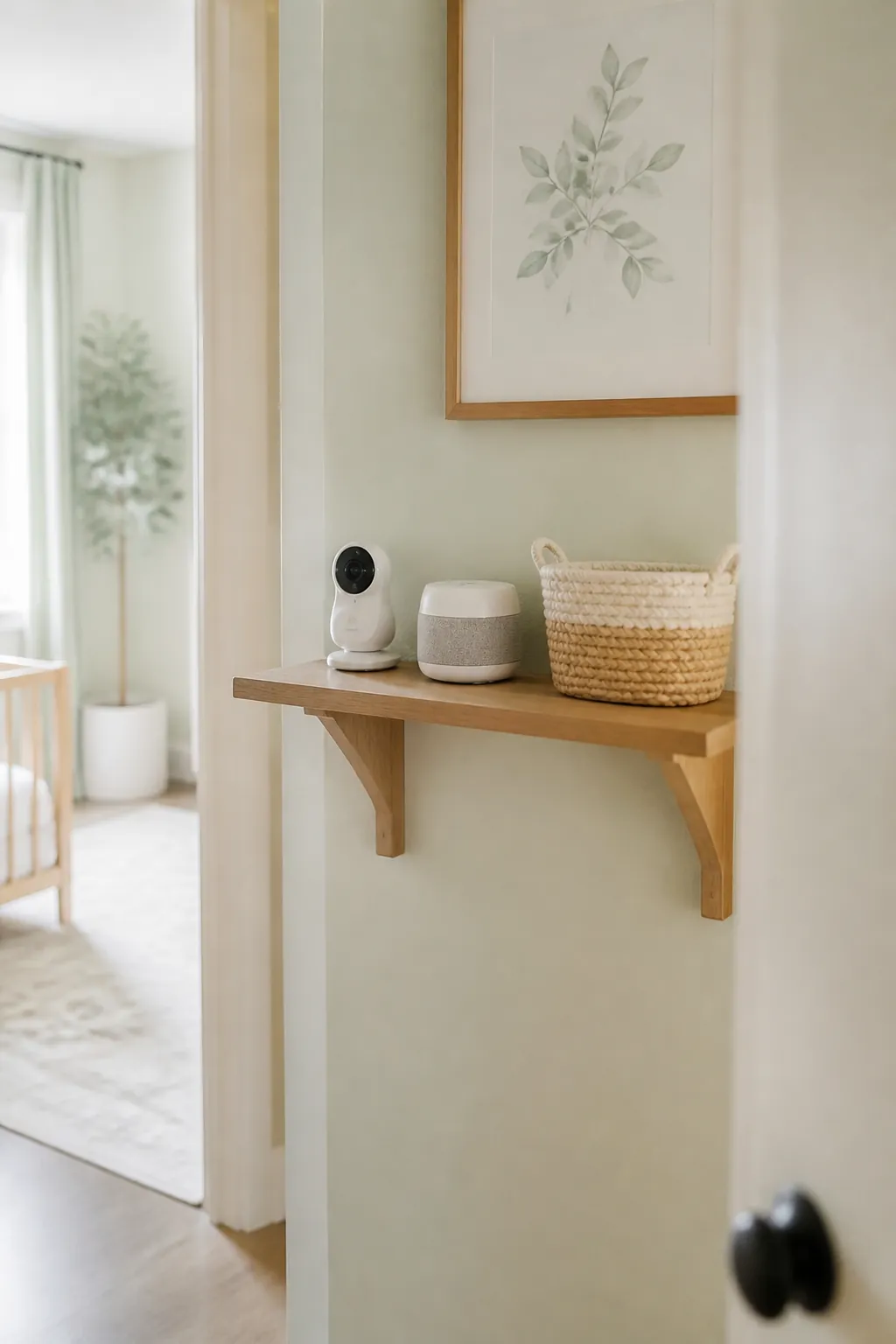
Once a shelf is up and at a convenient height, it becomes the obvious drop spot for mail, a folded onesie waiting to be put away, the book you were reading before the last feeding. A single stack of mail is often enough to tip the camera’s angle by a few degrees or block the sound machine’s grille, and nobody notices until the monitor’s picture is framing the wall instead of the crib.
Treat the shelf as gadget storage only, with nothing else allowed to land there even temporarily. If that rule keeps getting broken, it usually means there’s no other flat surface nearby for the overflow, which is worth solving with a small tray on the dresser rather than letting the gadget shelf absorb the job.
9. Revisit the setup as gadgets change
A video monitor with a camera gets swapped for a simpler audio-only unit or dropped entirely once a toddler moves to their own room; the humidifier that ran nightly in the newborn months often gets used only during colds by the second year. That swap is also a hardware downgrade worth planning for: an audio-only unit needs one cord and one outlet slot instead of the two a video camera and base split between, which frees up a clip and a slot in the cable box for whatever replaces the humidifier.
Check the shelf every few months rather than leaving the original setup running on autopilot. A gadget that’s no longer plugged in daily is a gadget that can move to a drawer, freeing up the footprint and the outlet for whatever replaces it, whether that’s a toddler-friendly speaker or nothing at all.
Where to start
Start with the 3-foot rule: measure the gap from the crib rail before deciding which wall gets the shelf, then mount it at adult reach on that wall, never directly above the crib. A shelf with a front lip stops a light monitor base from walking off the edge, and clips plus a cable box turn a tangle of cords into something flat against the wall and tidy at the outlet.
From there, give the sound machine and humidifier their own breathing room, corral the small loose stuff in one basket, and keep the shelf’s job narrow so it doesn’t quietly become the room’s catch-all. Revisit the setup as the gadgets themselves change, and the shelf keeps earning its spot instead of turning into clutter you stop noticing.