A game console in a small living room usually ends up wherever there was a free gap near the TV, vents facing the wall, power brick wedged underneath, controllers scattered across whatever surface is closest. That placement works until the system runs hot during a long session or the shelf it lives on turns out to be the one piece of furniture with a door that closes over it. Nine fixes below, in the order that actually keeps a console running cool and a small room looking like a living room instead of an equipment bay.
1. Measure the console and its vents before you pick a shelf
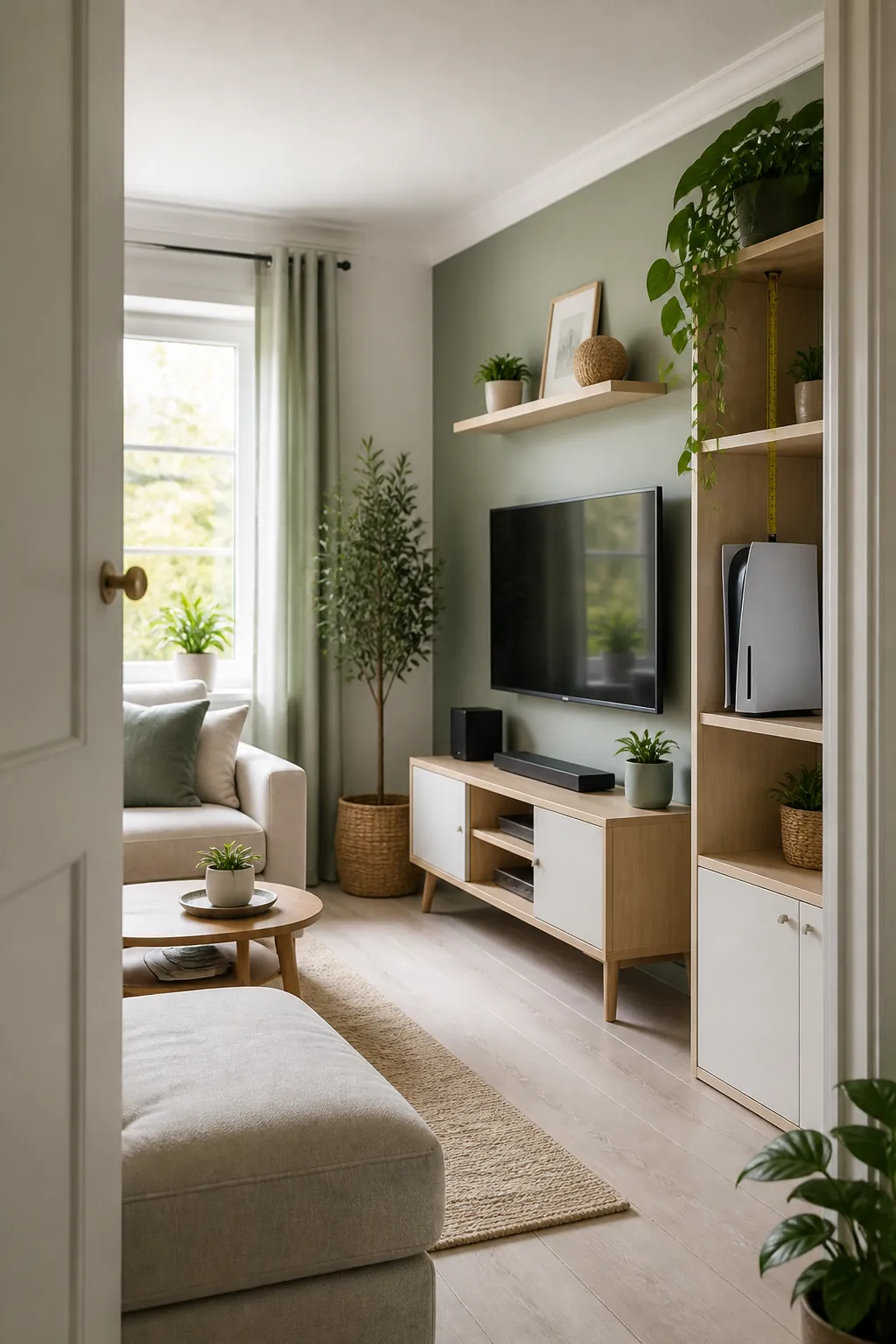
A disc-based current-generation console runs roughly fifteen inches tall, four inches wide, and close to ten inches deep standing on its side, with intake vents on the bottom and exhaust vents along the top or back depending on the model. Before choosing a shelf, check where those vents actually sit on your specific unit, since a console mounted with its exhaust pressed against the shelf above it is no different from blocking the vents with your hand.
Leave the full depth of the unit plus two extra inches at the back for the cables, the same clearance rule that trips people up with a cable box. A shelf that is technically wide enough but only ten inches deep will not hold a console with a controller charging cable running out the back.
2. Skip the closed cabinet door, give it an open shelf instead
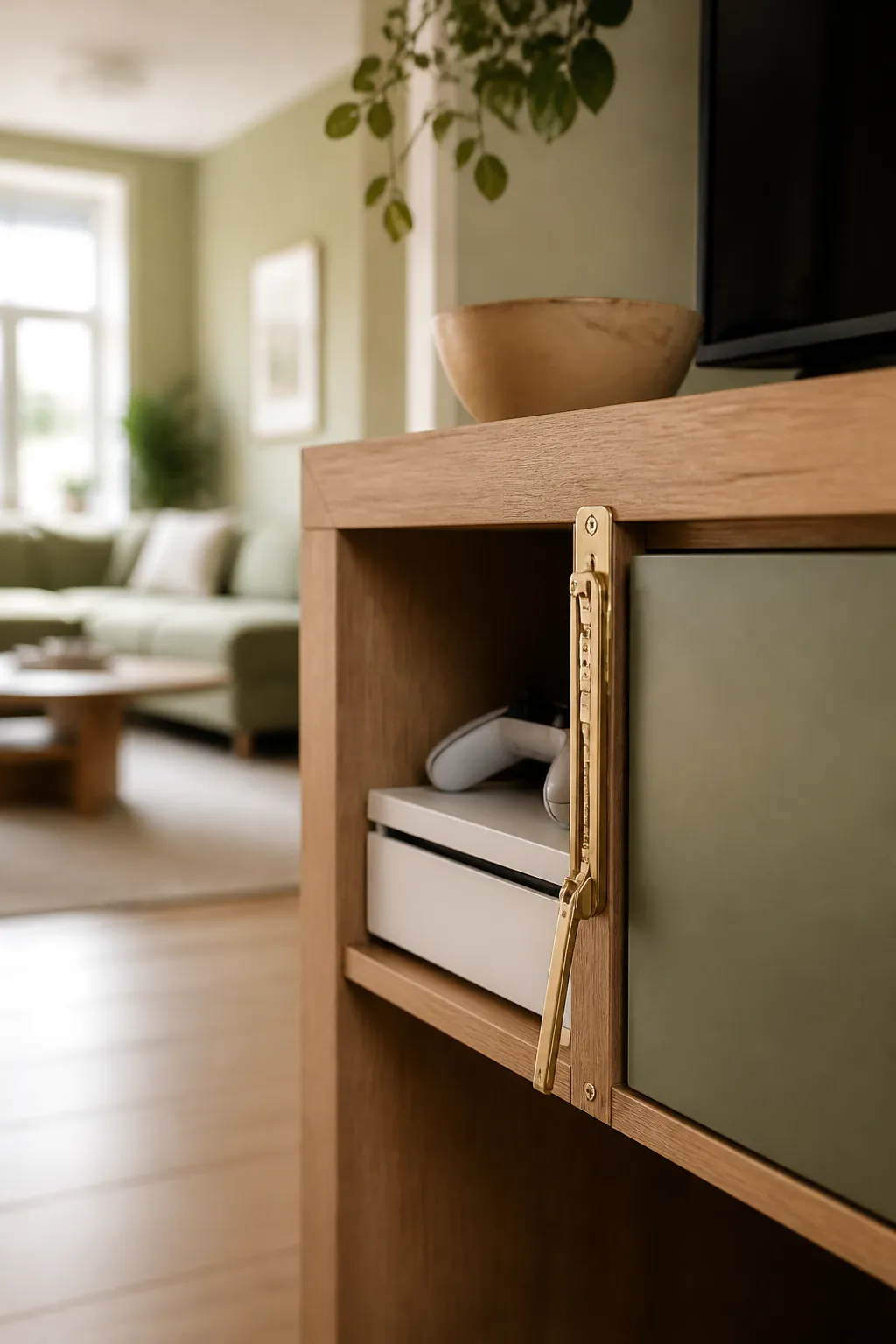
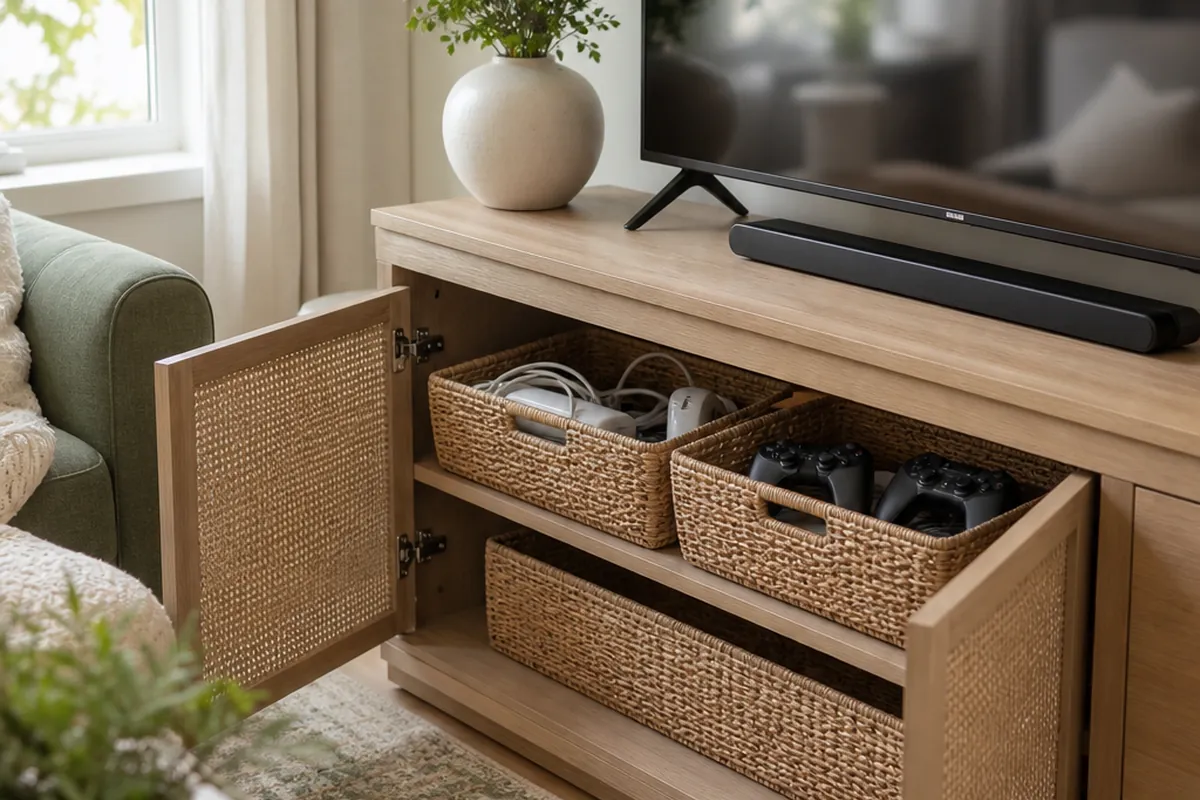
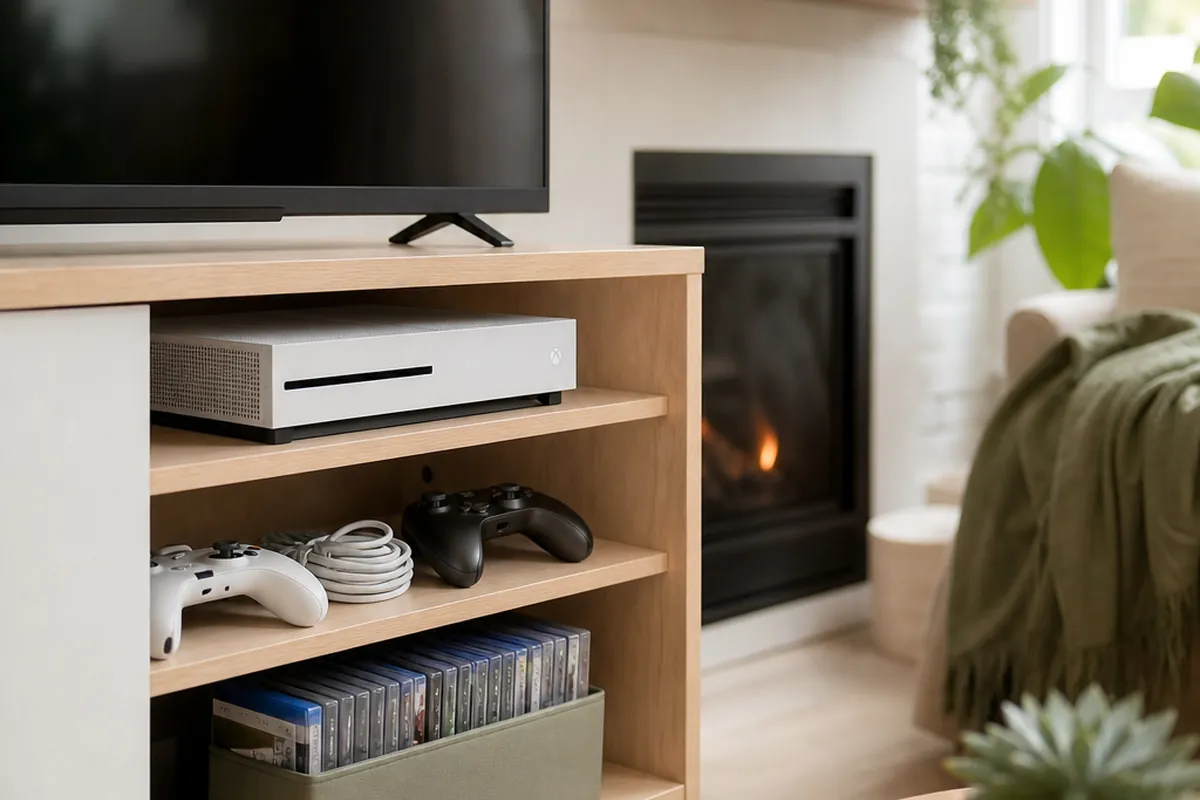
A console works harder than a streaming box or a cable box, especially mid-game, and heat it generates under load needs somewhere to go immediately rather than building up behind a door. Keep it on an open shelf or in a cabinet section with a real vent cutout, and save the closed doors in your console furniture for the things that do not run hot, like game cases or spare cables.
If every section of your media furniture has doors, prop the one holding the console open a crack rather than closing it fully during play. It looks less tidy for an hour, but a console that shuts itself down from heat mid-session costs you more than the extra half inch of gap ever will.
3. Stand it vertically if floor space is tighter than shelf height
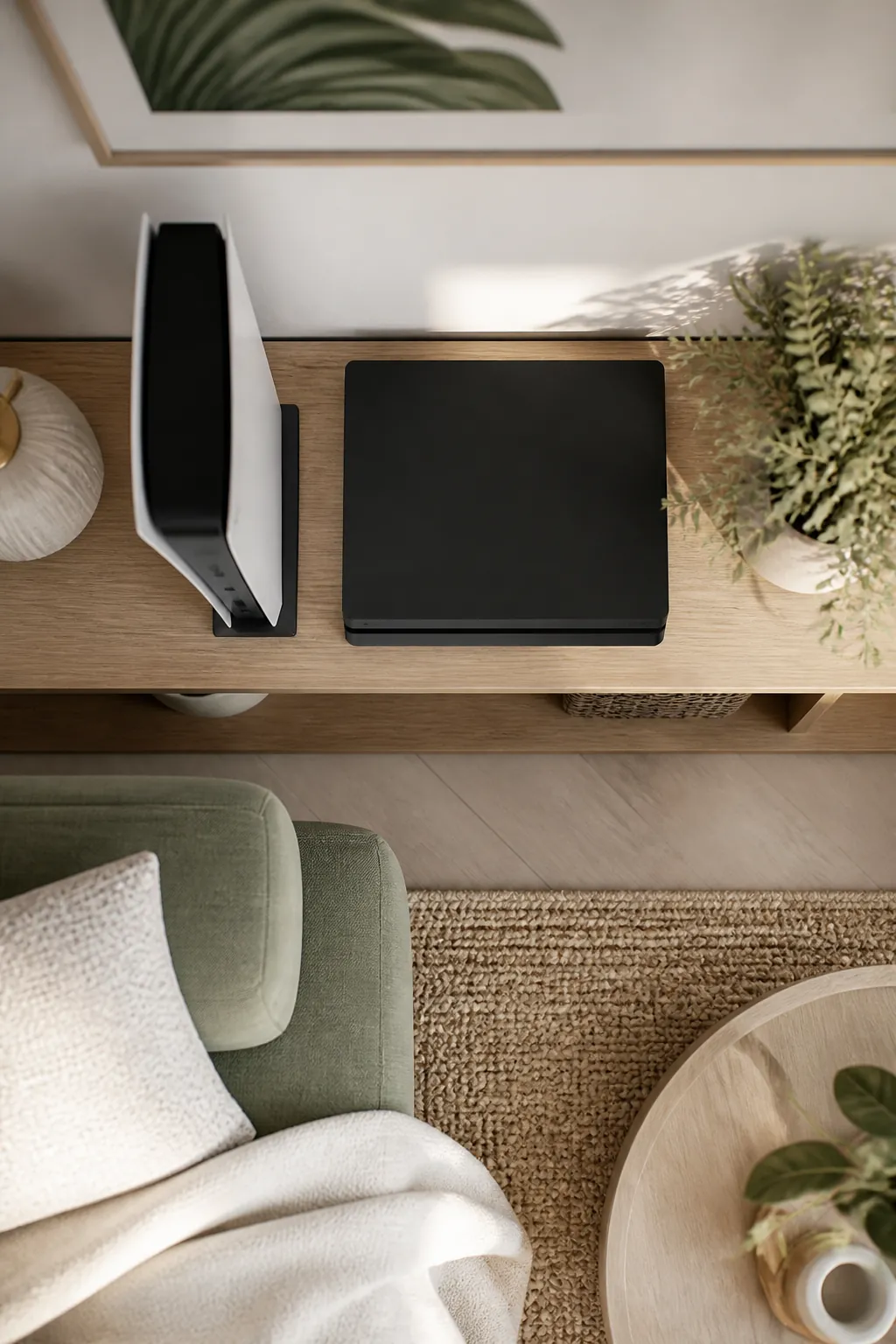
Most current consoles ship with a stand built for vertical orientation, and standing the unit up trades a wide footprint for a tall, narrow one, usually under five inches of width instead of ten or more lying flat. That is the better trade in a small living room where shelf width is scarcer than shelf height.
Use the stand that came in the box rather than improvising one. A console balanced upright without its stand is a tip risk the moment a cord gets tugged or a foot catches the shelf edge, and some models rely on that stand to keep the internal fan oriented the way it was designed to vent.
4. Keep it off carpet entirely, even on a rug-topped shelf
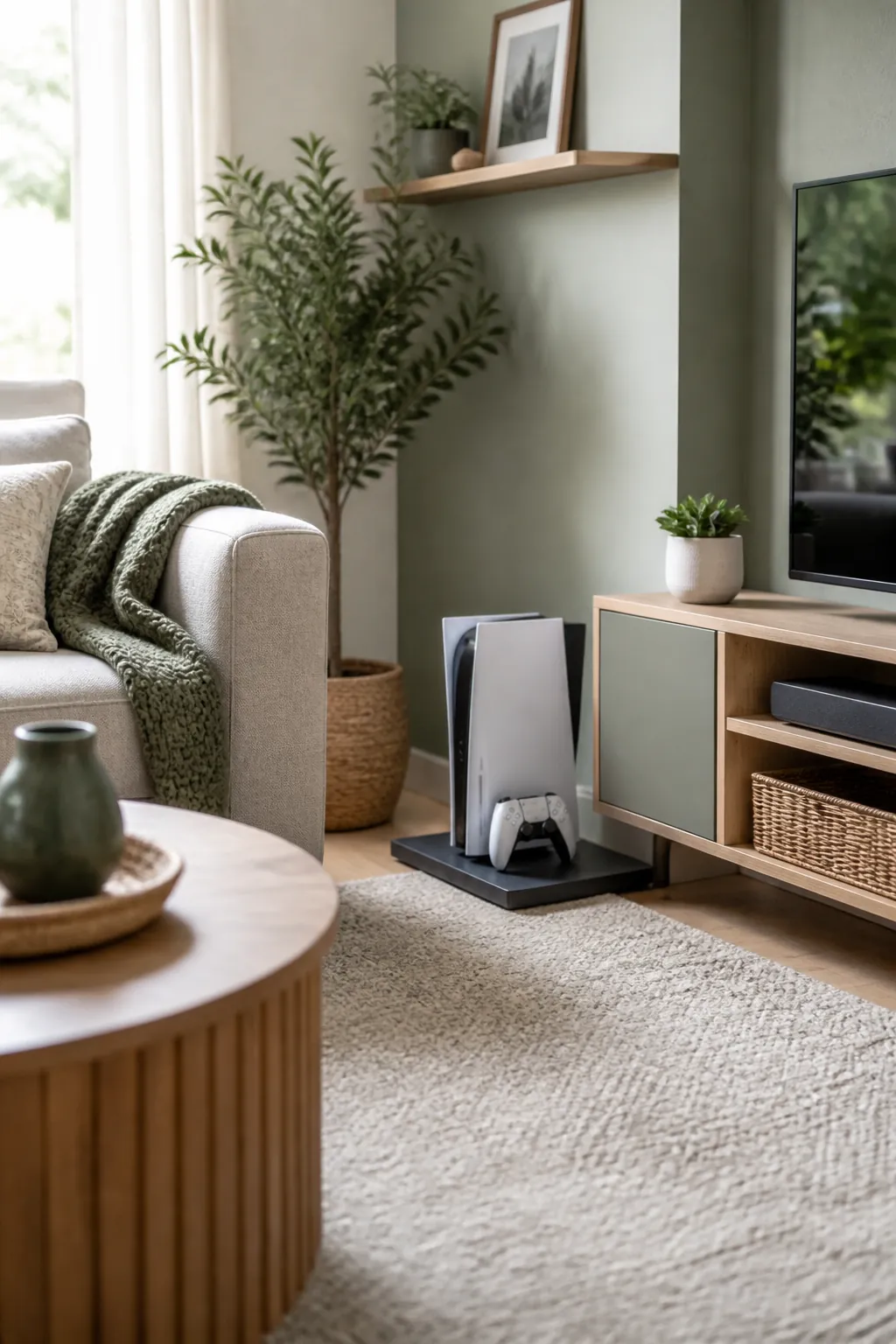
A console’s intake fan pulls in whatever is closest to the vent, and carpet fibers get drawn in along with ordinary dust at a noticeably faster rate than on a hard surface. If your media furniture sits on a rug, that does not matter, but the console itself should still land on a hard shelf, a stand, or a thin platform rather than directly on any soft surface underneath it.
This matters most in a studio or a small apartment where the console sometimes ends up on the floor beside a media unit for lack of a free shelf. A flat tray or a slim platform under it is a five-dollar fix for a problem that otherwise shows up as a console running noticeably louder within a year.
5. Separate the power brick’s heat from the console’s own intake
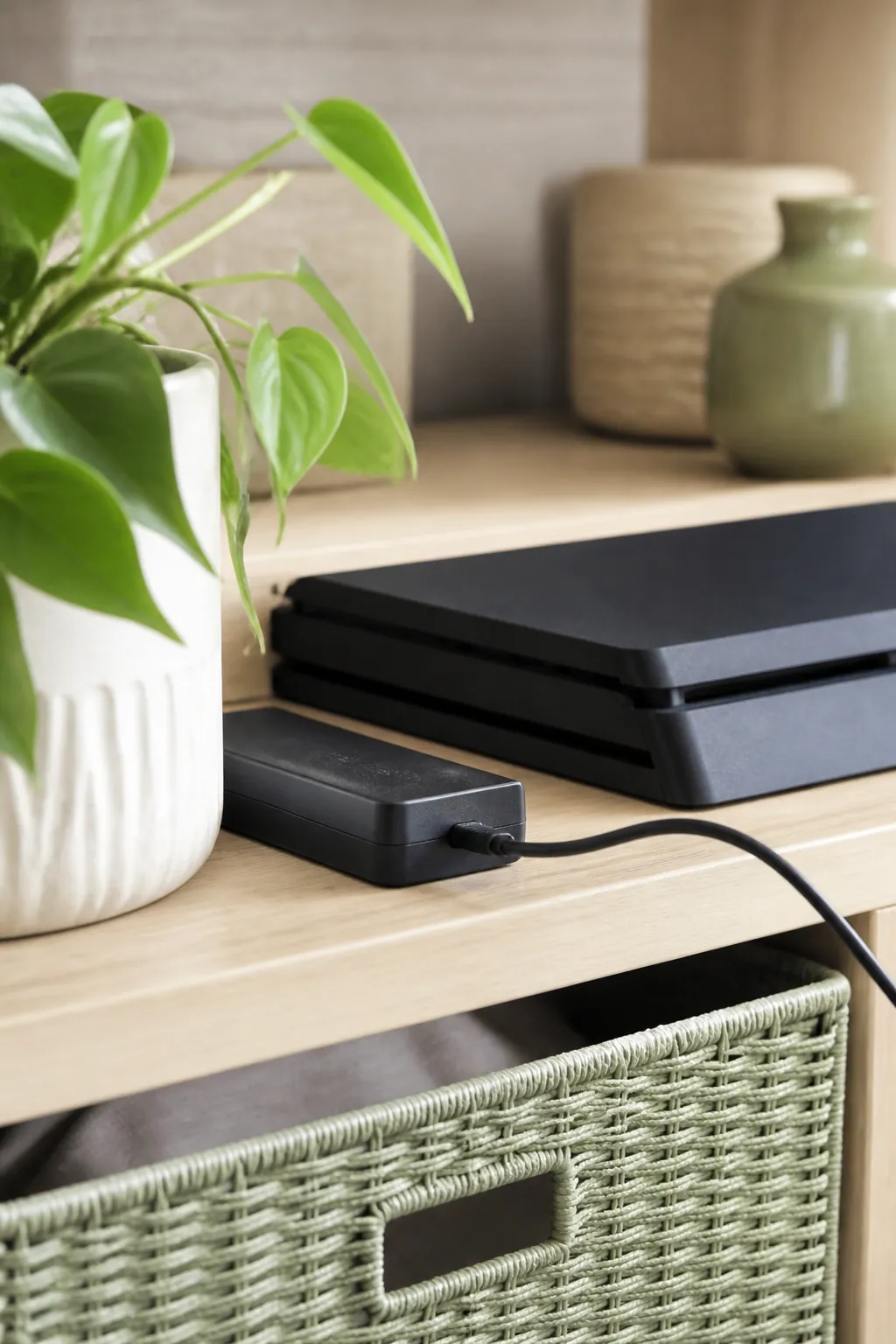
Some consoles run an external power brick that gets warm on its own, and tucking that brick directly against the console’s side vent stacks two heat sources in one spot. Give the brick two to three inches of its own space, even if that just means setting it beside the console rather than underneath it.
A power brick coiled tightly with its own cord also traps heat against itself. Let the cord run loose rather than wound into a tight bundle right where the brick sits, since a tightly coiled cord carrying steady current runs warmer at the coil than a cord left loose.
6. Roll the whole setup to the side with a mobile cart
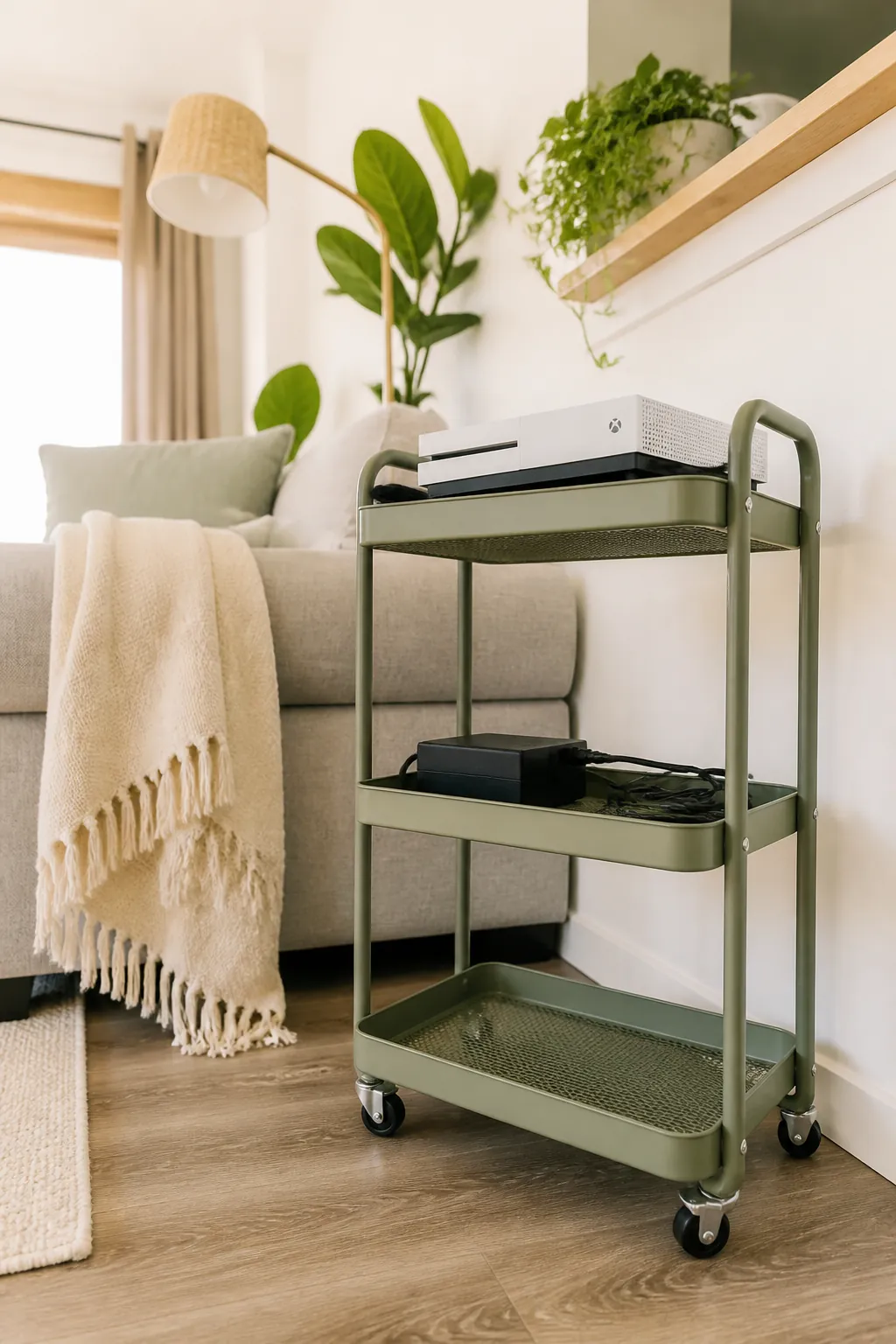
A 3-tier rolling cart, around 10 inches wide and 30 inches tall, gives a console, its cables, and a controller or two a dedicated spot that is not permanently fixed to the TV wall. In a small living room shared with other activities, that means the whole gaming setup can roll aside for movie night or a guest’s air mattress instead of staying put as the one thing nobody can move.
Keep the console on the open top tier, never the enclosed bottom one, and use the middle shelf for the brick and loose cables so nothing presses against the vents during a roll across the room. Lock the caster wheels once the cart is parked. A console sitting on an unlocked cart gets a hard jolt the moment someone tugs a controller cord from across the room, and that is a worse fall risk than anything on a fixed shelf.
7. Corral game cases in slim stackable drawers instead of a shelf pile
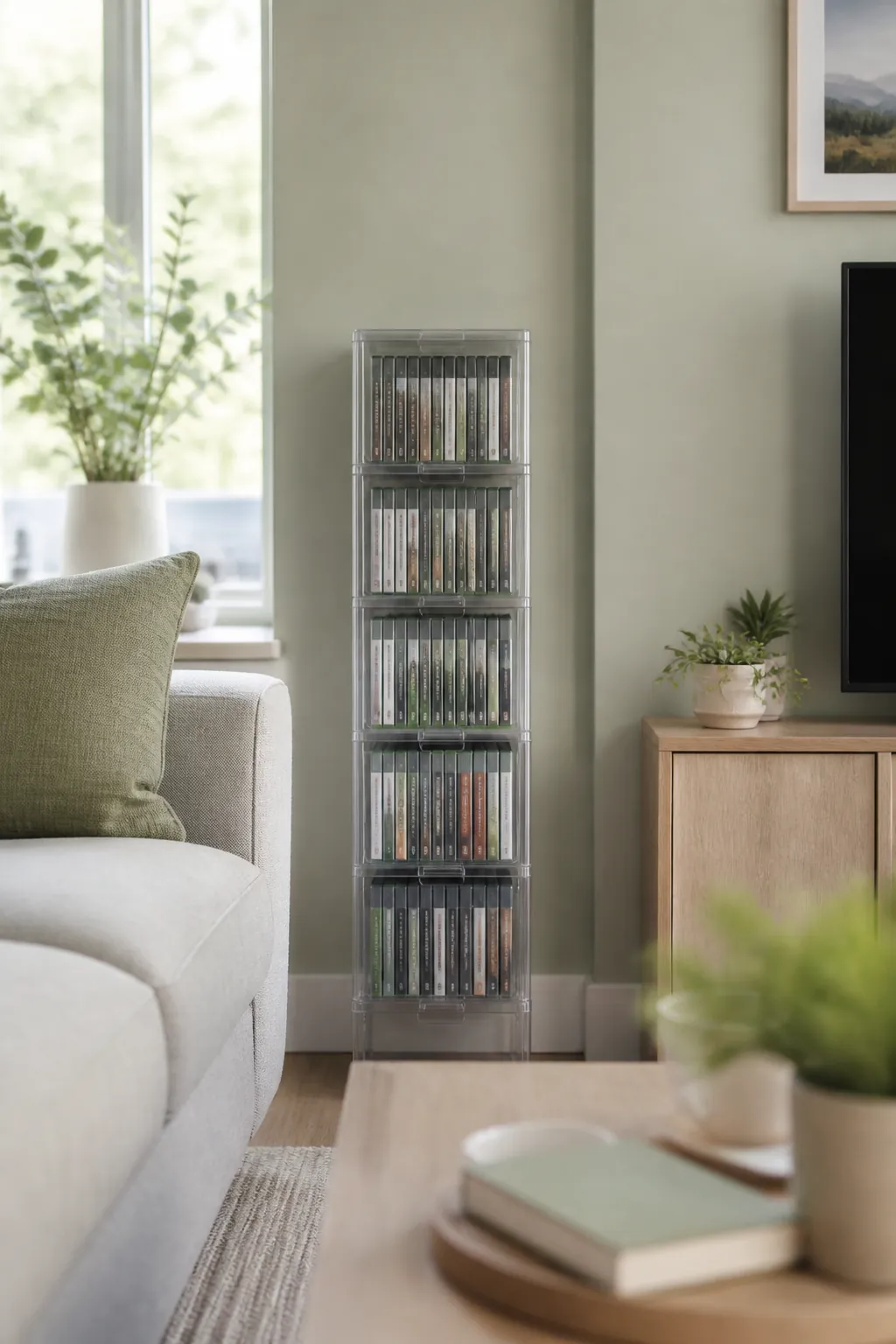
Loose game cases on an open shelf lean, slide, and eventually end up in one unlabeled stack nobody wants to sort through. Small clear stackable drawers hold a dozen or so cases standing on their spines, sorted however you like, pulled open one at a time instead of knocking the whole stack over reaching for the one at the bottom.
Measure a case before buying: most current cases run close to six and a half inches tall and five and a half wide, so confirm the drawer’s interior height clears that before assuming a case will stand up inside it rather than lying flat and wasting half the drawer’s depth.
8. Give controllers a charging dock, not the coffee table
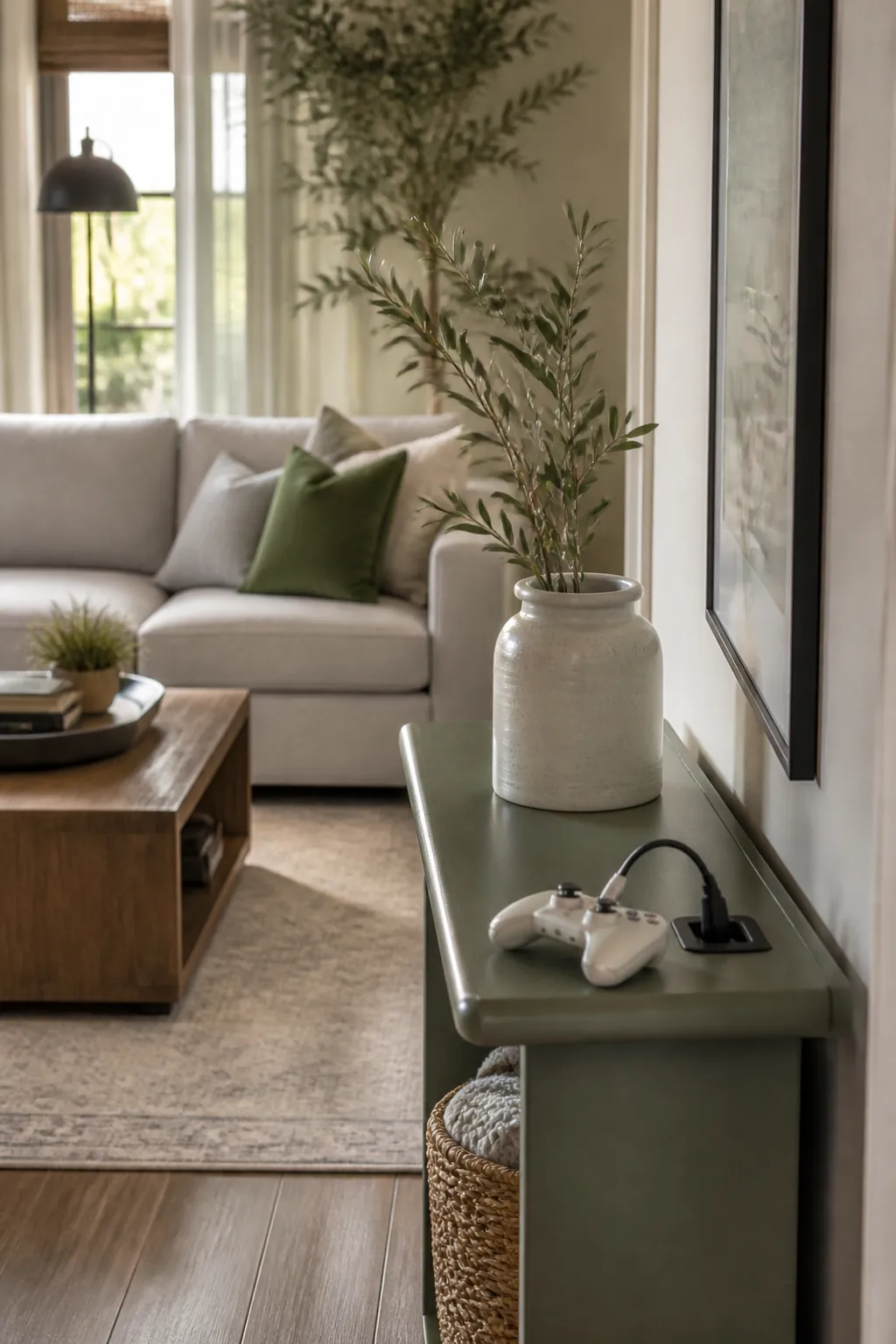
A narrow console table with charging station solves the problem a lot of small living rooms have: no outlet anywhere near the seating area except the one behind the TV. Built-in outlets on the top surface mean a controller’s charging cable has somewhere to plug in within reach of the sofa, instead of draping across the floor to the nearest wall socket.
This only works if you treat the charging spot as fixed. The moment a controller gets set down somewhere else “just for now,” the dock stops doing its job and the cable ends up back on the coffee table by the end of the week.
9. Dust the vents on a schedule, not when the fan gets loud
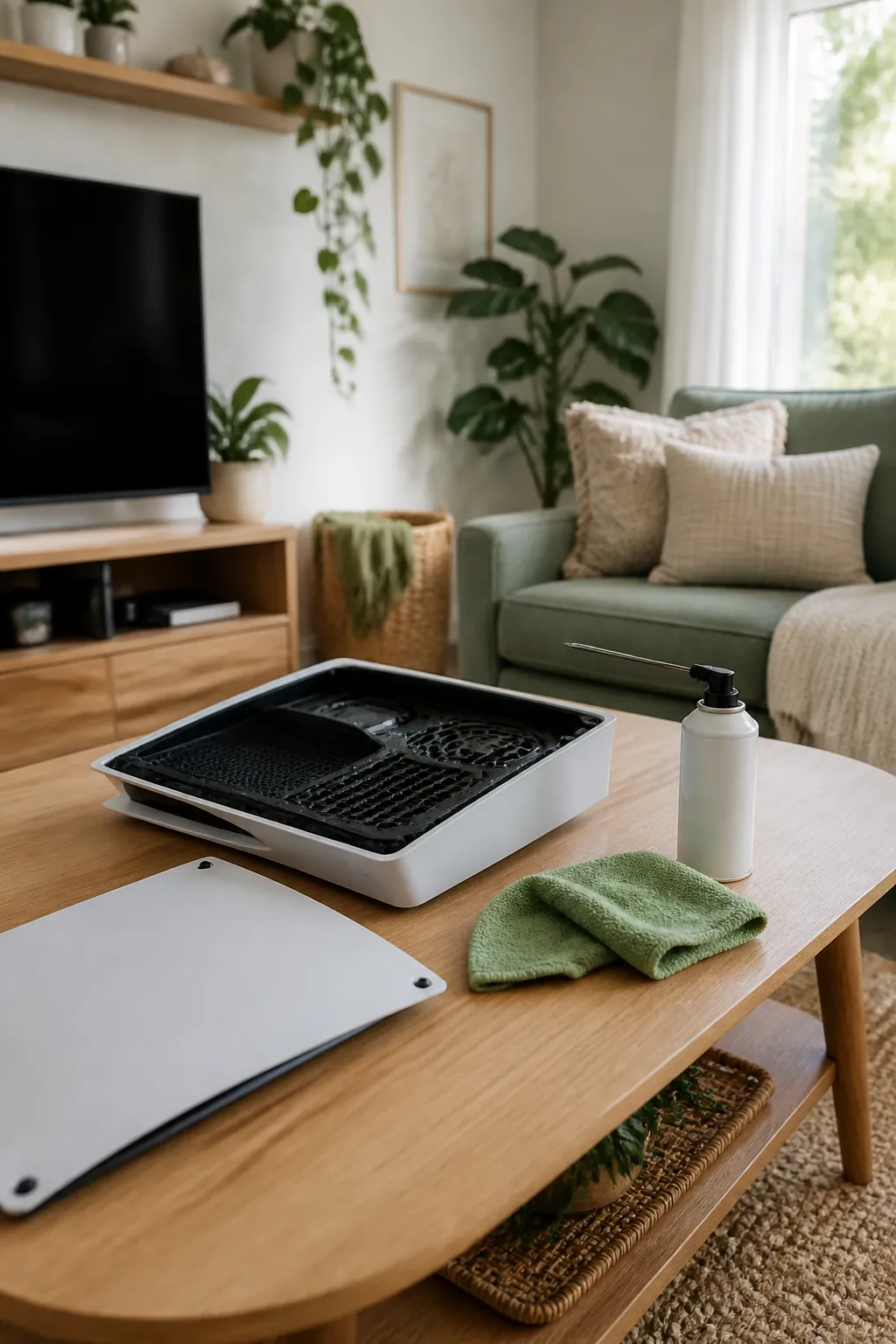
A console’s intake vent collects a visible layer of dust within a couple of months in most homes, and by the time the fan noticeably gets louder, enough has built up to measurably raise the internal temperature. Wipe the external vents with a dry microfiber cloth or hit them with a can of compressed air every month or two, more often if you have pets shedding nearby.
Unplug the unit first and never use a vacuum directly on the vents. The suction can pull components loose on some models, and a few seconds with compressed air from a safe distance does the same job without the risk.
Where to start
Start with the vents, not the furniture. Confirm where your console’s intake and exhaust actually sit, give that side at least three to four inches of open air, and keep it off carpet and away from a closed cabinet door no matter how tidy that door would make the shelf look.
Once the console itself has somewhere safe to run, solve the clutter around it separately: a rolling cart if the whole setup needs to move, stackable drawers for the game cases piling up beside it, and a dedicated charging dock so controllers stop migrating to the coffee table. Get the airflow right first and the rest is just picking containers that fit what you already own.